Click analytics
for short links
How many times your link was clicked and where people came from. It is all in your lnk.ua dashboard.
Getting started
Stats from the first click
Only links created from an account have stats.
Create an accountWhat you will see
Counter and click log
Every link has a click counter. The log shows each click on its own.
| Field | What it shows |
|---|---|
| Time | When the click happened |
| Link | Which short link was clicked |
| Referrer | The site people came from, if the browser sent it |
| Device | Phone, tablet or computer |
| OS | iOS, Android, Windows, macOS… |
| Browser | Chrome, Safari, Firefox… |
Reading the numbers
Clicks, not people
One person opens a link three times — that is three clicks.
Bots count too
A messenger preview is a click too. So you may see more clicks than Google Analytics.
Clicks live 30 days
Older clicks are deleted. Save the numbers you need in time.
Account required
Links made without signing up work, but their clicks are not shown.
- On the site: shorten while signed in.
- In the Chrome extension: sign in to the extension.
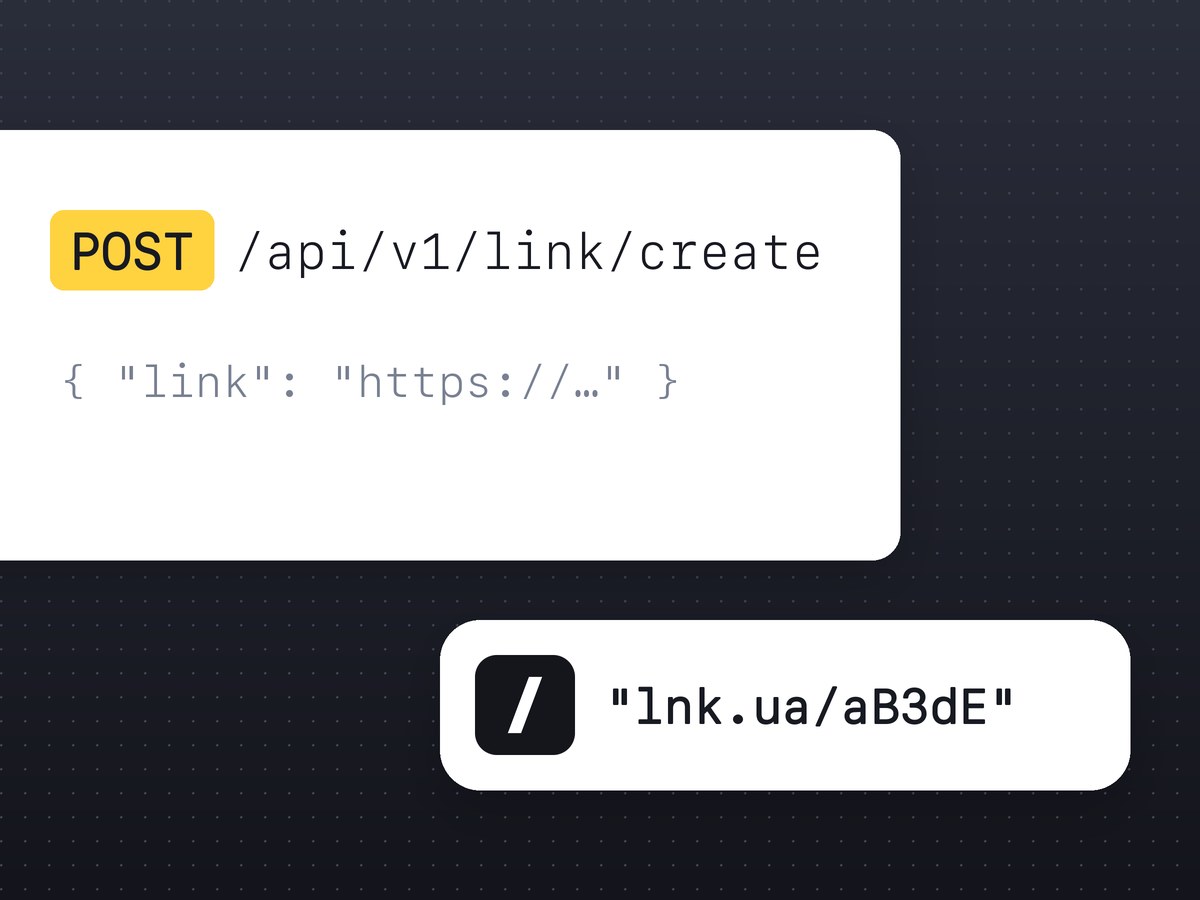
- In the API: send requests with a personal token.
Traffic sources
Make a separate link for each post or newsletter and compare the clicks. For GA4, add UTM tags before shortening.
Not there yet
Countries, unique visitors, charts and export.
FAQ
No. Only links created from an account have stats.
30 days. Older clicks are deleted.
We count bots and messenger previews too. GA4 counts only people who waited for the page to load.
Not yet.
Not yet. Stats are in your dashboard.