URL shortener
MCP server
Type "shorten this link" in the chat. The reply has the short URL and a QR code, and the link shows up in your dashboard with its stats.
Setup
How to connect the MCP server
The client needs only the server address. You sign in with your account. To shorten links from your own code, use the API.
Create an accountClients
Setup in Claude and Cursor
In Claude.ai and Claude Desktop, open Customize → Connectors → Add custom connector and paste the address.
https://lnk.ua/rest-mcpIn Claude Code, run this command, then sign in with /mcp.
claude mcp add --transport http lnk https://lnk.ua/rest-mcpIn Cursor, add the server to mcp.json.
{"mcpServers": {"lnk": {"url": "https://lnk.ua/rest-mcp"}}}One tool: shorten a link
What you send
The full URL with https://. Add a note if you want one.
What you get back
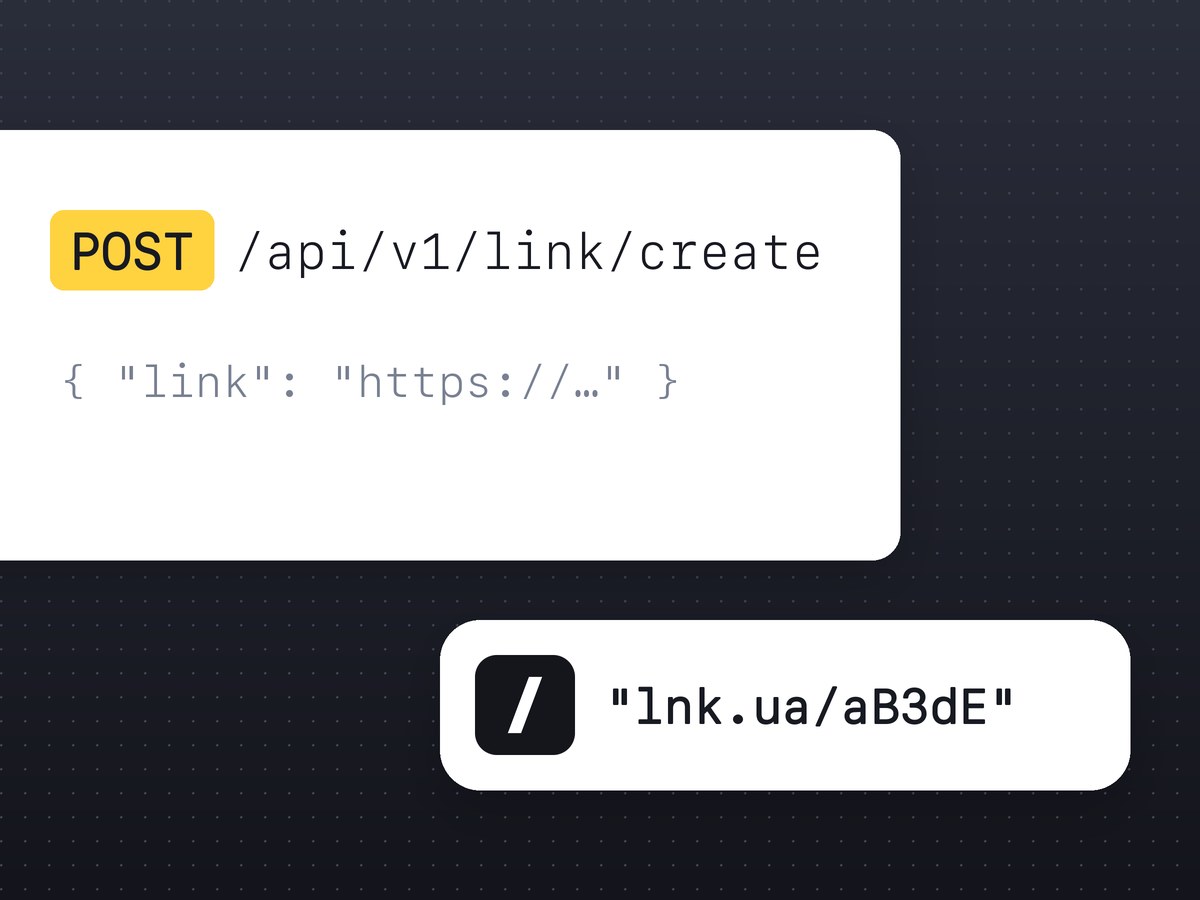
The short link, its 9-character code and a QR code in SVG. For a PNG, add .png to the QR code address. The link is in your dashboard right away, with stats.
FAQ
Nothing: MCP works on the Free plan. The limits are the same as for the API, see pricing.
Usually not. The client opens the sign-in page for you. If your client cannot do that, create a personal token in your dashboard and send it in the Authorization: Bearer header.
You get two different short links. Every call makes a new one, even for the same URL.
No. The server can only create links.