How to shorten a link on desktop, phone, Telegram and Instagram
Copy the long URL, paste it into a shortener and copy the short one back: three steps, about a minute. Below is how to do it on a computer and a phone, what the person who clicks will see, and when a short link does more harm than good.

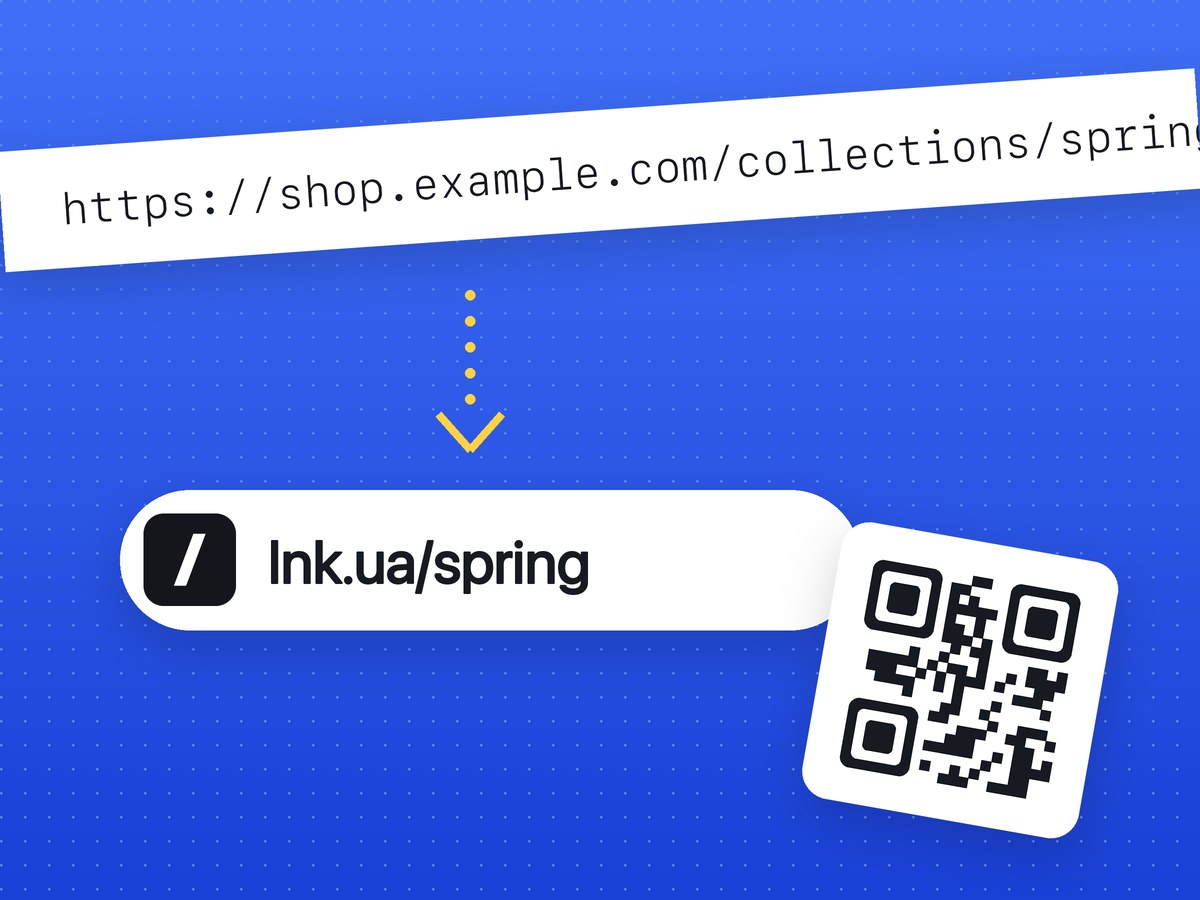
How to shorten a URL in three steps
- Copy the long link from the browser's address bar, or tap "Share" → "Copy link" in an app.
- Open a URL shortener and paste the address into the field. You can shorten a link right on the lnk.ua home page.
- Click "Shorten" and copy the result.
You get something like lnk.ua/Xk7pQ2mZa: the domain plus a random code. You don't need an account. A QR code for the short link appears right below it.
Devices differ only in how you copy the address and where you paste the result.
On a computer
On the website
Open the page you want to share, click the address bar and press Ctrl+C (Cmd+C on a Mac). Go to lnk.ua, paste the address and click "Shorten". One button copies the finished link.
To see how many people clicked, sign in first. Links created while signed in go to your dashboard, where you see their click stats. A link created without signing in has no stats, and you can't delete it later.
With the Chrome extension
If you shorten links several times a day, copying addresses by hand gets old. The Chrome extension shortens the current tab's address when you click its toolbar icon and copies the result. You can also right-click any link, or a selected address, and pick the shorten option from the context menu. The extension shows the QR code too.
Signing in to the extension is optional. If you do, your links land in your dashboard with their stats.
From code
For hundreds of links, or to shorten from your own app, CRM or bot, there's a URL shortener API.
On a phone
A browser is enough; there's no app to install.
- In the app you're taking the link from (YouTube, Instagram, Google Maps, an online store), tap "Share" → "Copy link". In a browser, tap the address bar and copy the URL.
- Open lnk.ua in your phone's browser.
- Press and hold the field, choose "Paste" and tap "Shorten".
- Copy the result and paste it into your message.
Add lnk.ua to your home screen from the browser menu ("Add to Home Screen" in Safari and Chrome), and it opens like a regular app.
Links with non-Latin characters or UTM tags
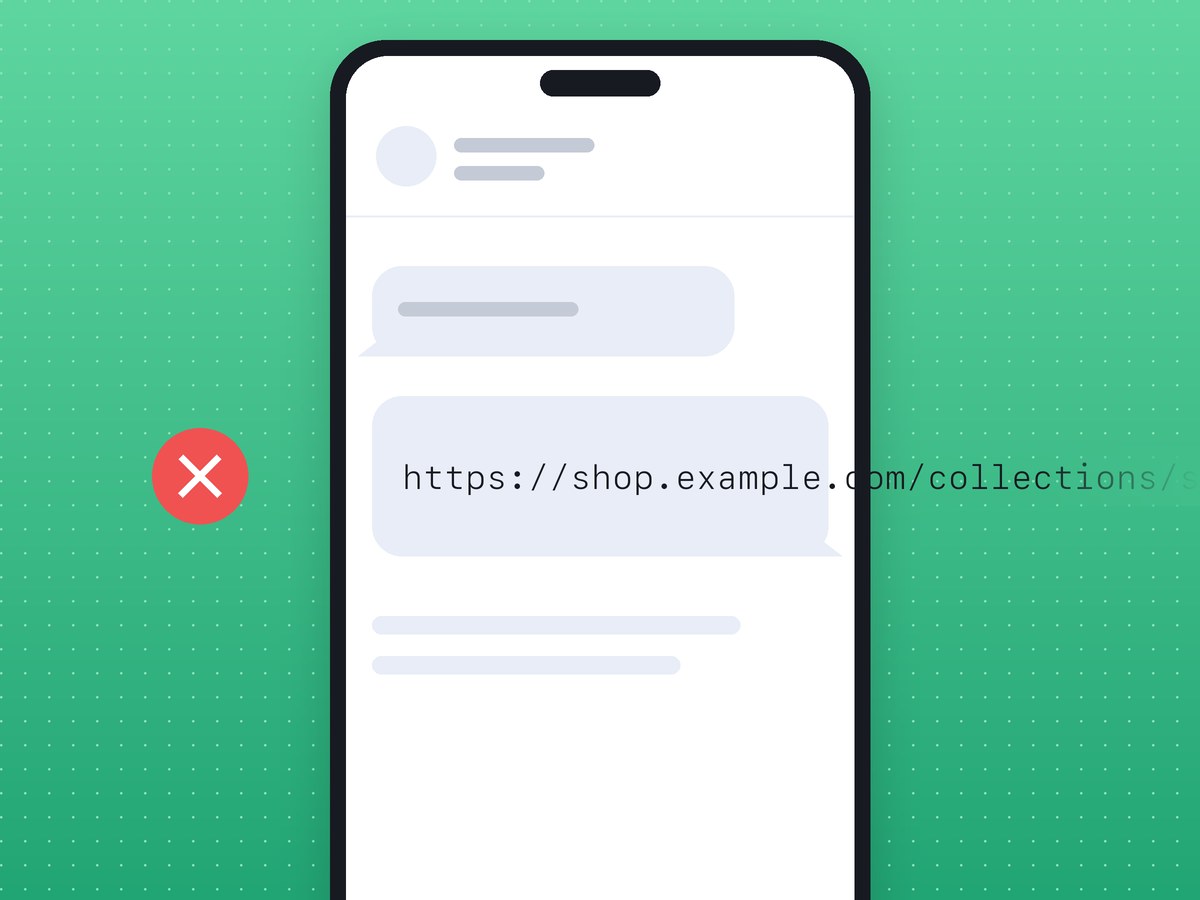
Most people shorten links to a page on their own site or a product in a store. An address in Greek, Arabic or Cyrillic looks tidy only in the address bar. Copy it, and shop.example/κατάλογος becomes shop.example/%CE%BA%CE%B1%CF%84..., several times longer. In a text message or chat app a link like that gets cut off or looks like spam.
UTM tags have the same effect: ?utm_source=telegram&utm_medium=post&utm_campaign=black_friday adds more than 60 characters, and on a phone screen the address wraps over several lines. A shortener hides the whole tail behind a short code, and the tags still reach the site when someone clicks.
For Telegram
A link in a post or a button
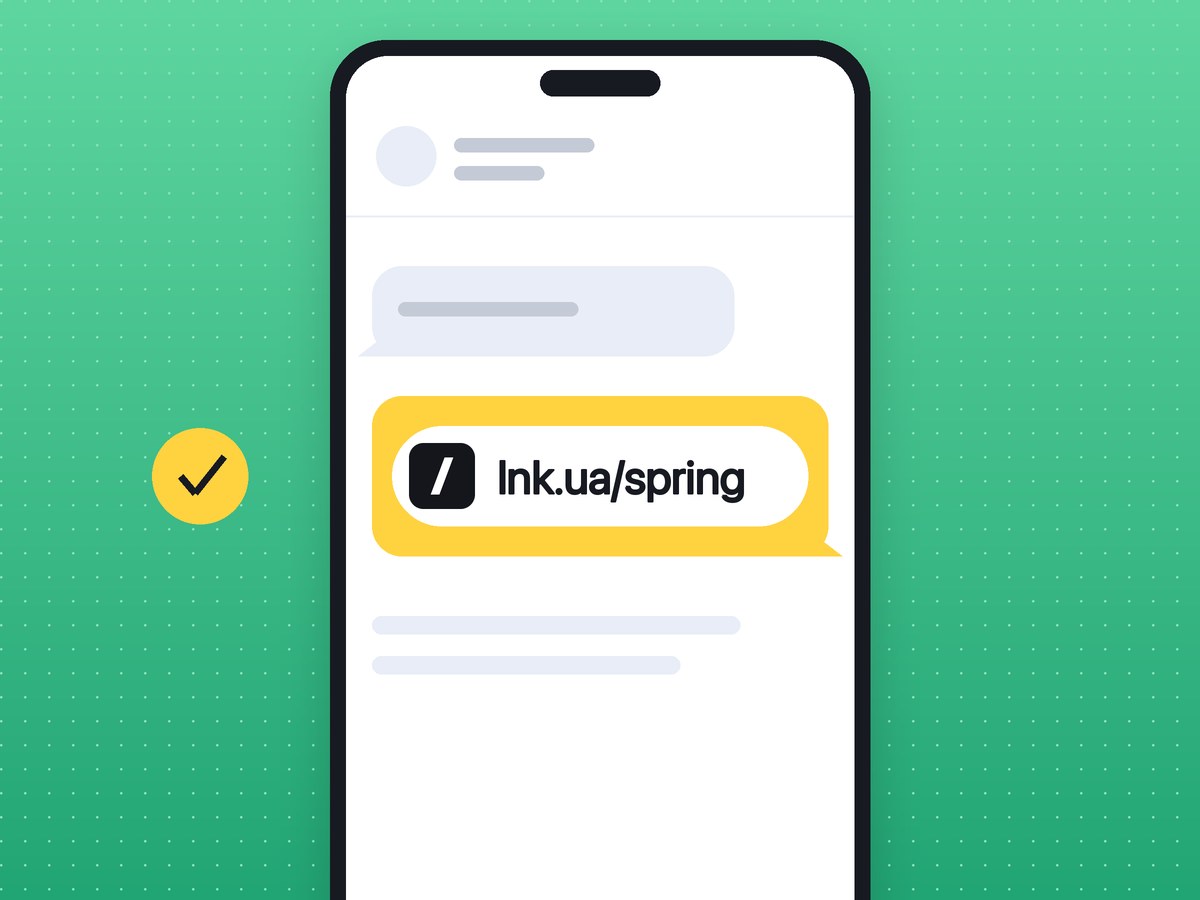
A long link works in Telegram, but with UTM tags it takes up half the screen. A short one fits on a single line of the post. In a button under a post, a short address is also easier to check and swap in a template.
For a link to a specific channel, bot or post, build it first with a generator (a Telegram channel link with the right parameter) and then shorten it. There's a similar generator for a WhatsApp link with a pre-filled message.
A separate link for every placement
If you buy ads in other channels, this is where a shortener pays off. One link in every post tells you nothing. Create a separate short link for each channel that runs your ad and label it in the note. A week later the dashboard shows which post brought clicks and which didn't.
If Google Analytics should tell those placements apart as well, add UTM tags before shortening. The builder gives you a short link and a QR code in one go.
A small catch: when a link appears in a chat, Telegram opens it to build the preview. Those visits land in the click feed too, so the first one or two "clicks" right after posting usually come from a bot.
For Instagram
Instagram doesn't make links in post captions clickable, so a short address there only makes it easier to read out. Links work in two places.
In your bio, a long link gets truncated and a short one shows in full. When you point people to a new page, put a new short link in your profile, and clicks for each period are counted separately.
In stories, add the "Link" sticker and paste the short address. A separate link per story or campaign shows which one brought people in.
For ordinary posts, "link in bio" is still the call to action that works.
What to check before you send it
- Open the link yourself, on a phone and on a computer. Better to catch a mistake before the link goes out than after.
- If the link is going to print, scan the QR code with two or three phones. You can create a QR code for a link in a print-ready format on qr.lnk.ua.
- Sign in if you need stats. Without an account the clicks aren't counted in a dashboard, and the link can't be deleted.
- Say where the link goes. People are wary of unknown short links, and they're right to be. "Webinar sign-up (lnk.ua/…)" gets more clicks than a bare link.
When not to shorten
Sometimes the full address is the better choice.
Forums, Reddit and other moderated communities often ban shorteners, and their filters remove posts that contain them, because spammers use short links to hide where they lead. Read the rules before you post one.
Contracts, research papers, manuals and books need links that last for years. A short link depends on the service staying up and on the link not being blocked (see when lnk.ua blocks a link). Keep the full address there, or at least print it alongside.
A bank, a delivery company or a public service writing about money or personal data should show its own domain. Phishing arrives through short links, and customers are learning to distrust them. For messages like these, you can connect your own domain to lnk.ua (PRO).
An address like example.com/price needs no shortening. It's already short, and you'd only add a redirect.
For everything else, shorten a link on the lnk.ua home page.
Frequently asked questions
Can I change where a short link points?
That depends on the plan: what you can do with a finished link is listed on the pricing page.
How long are click stats kept?
Stats exist for links created while signed in. What they show and how long they're kept is described on the click stats page.
Can I choose a custom name for my short link?
The code is generated automatically. For a recognizable address, you can connect your own domain (PRO), so links look like your-domain/code.
Is shortening links free, and is there a limit?
Yes, on Free you can shorten links at no cost and without signing up. PRO adds your own domain and a higher API limit, and changing a link's destination is coming soon. The limits and terms of each plan are on what Free and PRO include.
Will a short link stop working over time?
No, lnk.ua links have no expiry date. A link stops working only if you delete it, delete your account, or it's blocked after a report of fraud or a malicious site.