How to check a short link before you click
Paste the short link into an expander: it shows the final address and whether the site is flagged as dangerous, without opening the page on your phone. Below are the signs of phishing and what to do if you've already clicked.

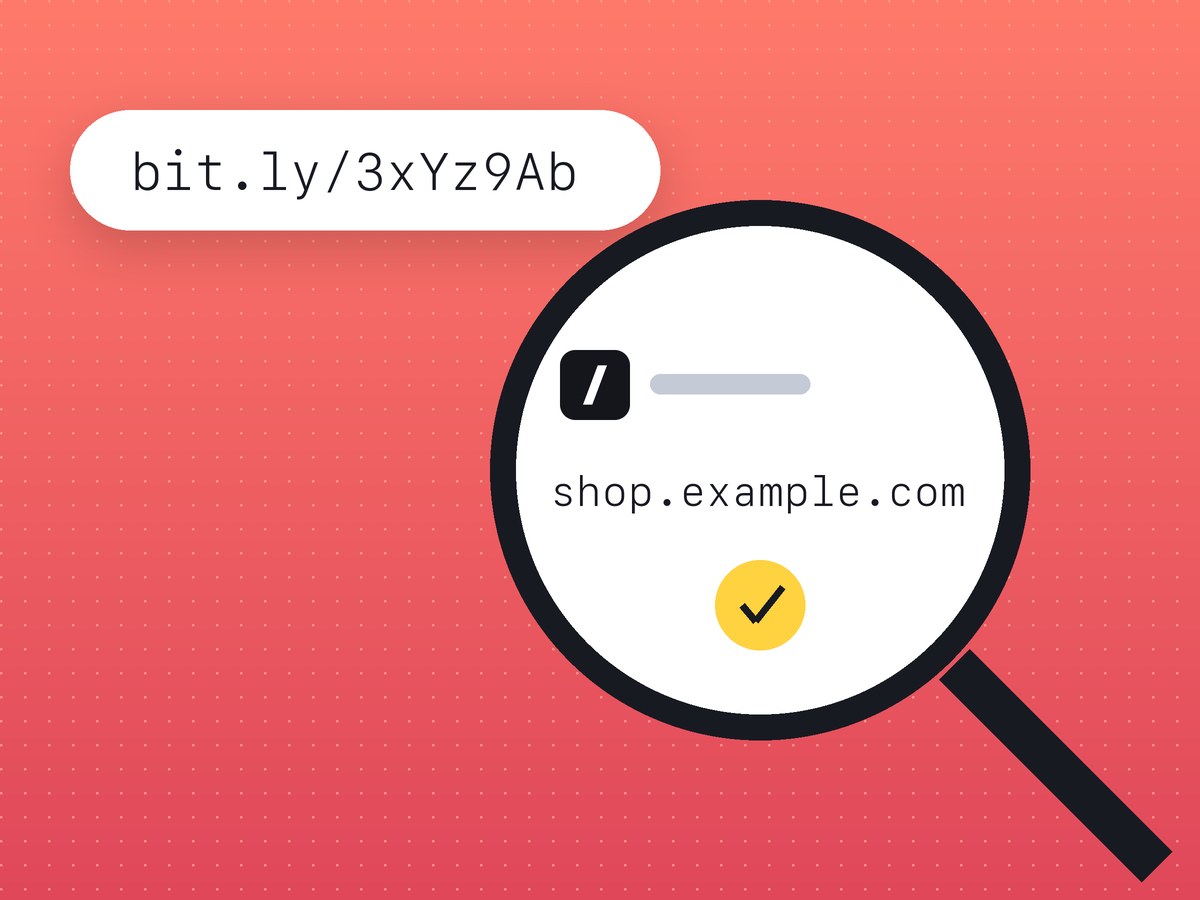
Don't tap a short link from an unexpected text or message until you've seen where it goes. Copy it and paste it into a link expander, which shows the final address and whether the site is flagged as dangerous. On lnk.ua you can check where a short link goes for any shortener, bit.ly and TinyURL included.
Why scammers like short links
A short link looks the same in a store's newsletter and in a phishing text: bit.ly/3xYz or lnk.ua/Xk7pQ2mZa. You can't see the real domain. Nine characters of code can stand for bank-card-verify.online or parcel-redelivery.top, and the message itself won't tell you which. Expand the link and the whole address is in front of you, and a fake usually gives itself away in the domain.
The schemes you are most likely to meet:
- a text "from the delivery company" saying your parcel is on hold until you pay a small redelivery fee;
- a message "from your bank" about a blocked card;
- a tax refund or government benefit you supposedly qualify for;
- a buyer on a marketplace who sends a link so you can "receive payment" for your item;
- a QR code stuck over the real one on a parking meter, in an elevator or on a poster.
Your phone camera shows the address in a QR code before it opens anything. If it's an unfamiliar short link, expand it first.
Each of these leads to a copy of a site you know. That copy asks for your card number, expiry date, CVV or a one-time code.
How to see where a link goes without opening it
Expand the link online
Press and hold the link and choose "Copy" (not "Open"). Paste it into the expander's field. You'll see:
- the final address a visitor ends up on;
- the full redirect chain, if the link passes through several shorteners;
- a flag if an address is already known to be dangerous.
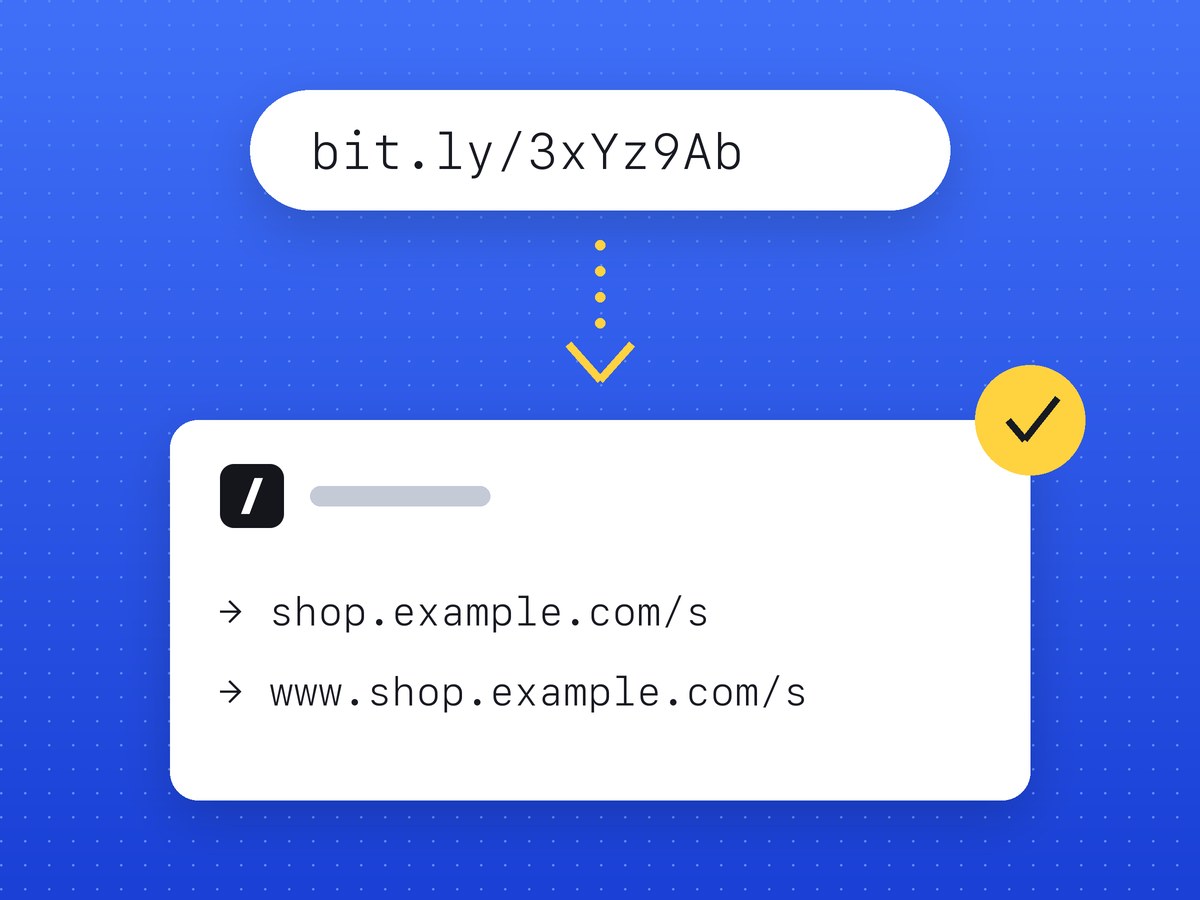
The expander requests the link from its own server, so nothing loads on your phone. That's the whole point of a "check short URL" tool.
"No threats found" doesn't mean the site is safe. New phishing sites go up every day and reach the blocklists hours or days later. Look at the domain itself as well; the next section explains what to look for.
The shortener's own preview
Some shorteners show an info page about a link if you add a character such as "+" to the end. Not all of them do it, and the trick changes, so an expander is more reliable.
Careful with long-pressing a link in your phone's browser: the preview window that pops up has already loaded the page.
Check the final address
Once you have the final address, check that address:
- Google Transparency Report tells you whether Google has flagged the site;
- VirusTotal runs the address past dozens of security vendors.
Give them the short link instead and they will rate the shortener's domain, leaving the site behind it unchecked.
Signs of phishing on the destination page
Even when no service found a threat, stop if you notice any of the following.
- A misspelled domain or an extra word:
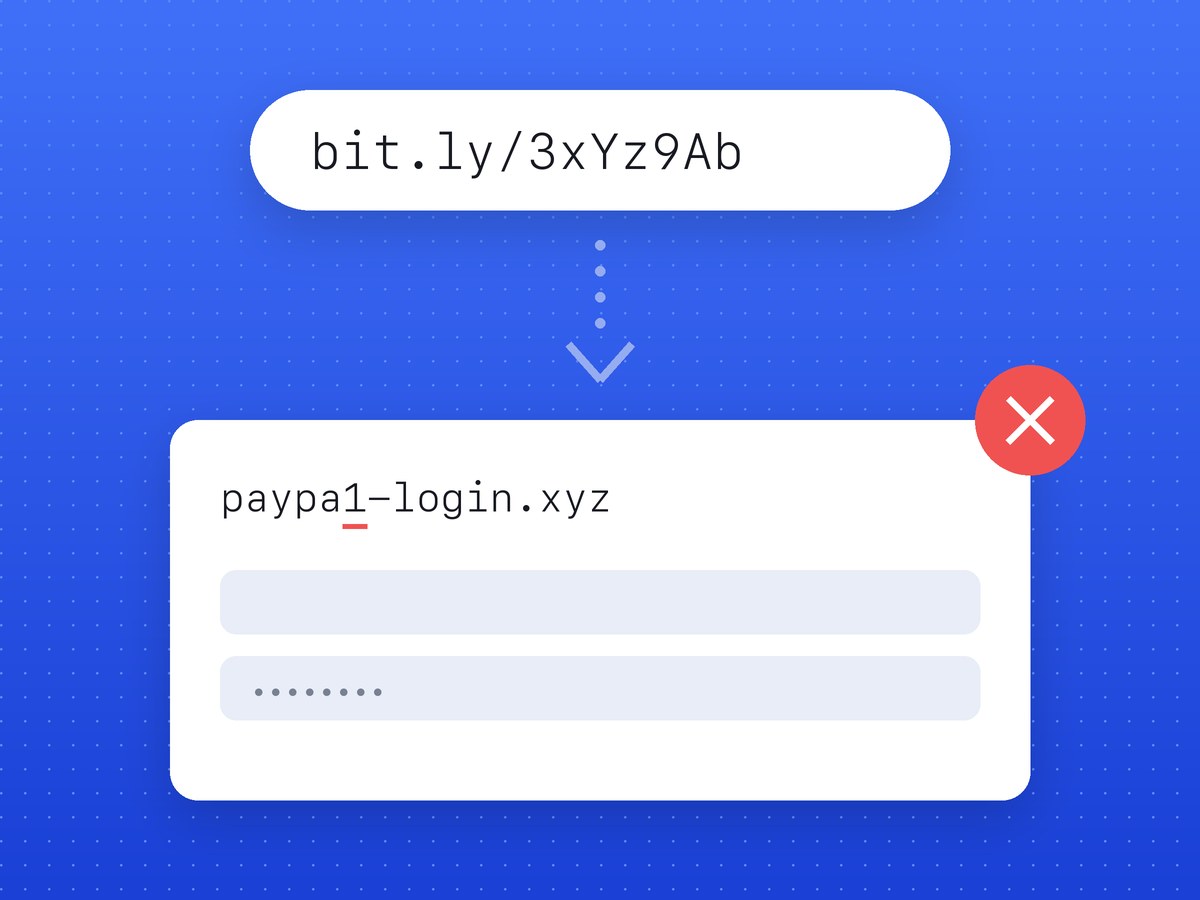
yourbank-secure.top,paypal.com-verify.site,parcel-delivery-help.online. The real domain is the last part before the first "/". Inyourbank.com.secure-login.comit issecure-login.com. - Mixed alphabets. A Latin "a" and a Cyrillic "а" look identical on screen. If the expanded address starts with
xn--, look closer. - The page asks for your CVV, PIN, a one-time code or your online banking password. Your bank never asks for these through a link.
- "Enter your card details to receive money." A payment into your account needs the card number at most, never the expiry date or CVV.
- A countdown: "within 30 minutes", "or your parcel will be returned", "your account will be suspended".
- An offer to download an
.apkor an "app update" from the website, bypassing the App Store and Google Play.
If you've already clicked or entered your details
Opening the page is rarely the problem by itself. What you typed in or installed is.
- Entered card details or a one-time code? Call your bank right away on the number printed on the back of the card and block it. Don't wait for a charge to show up.
- Entered a password? Change it on that site and everywhere you reused it, then turn on two-factor authentication.
- Installed a file or app? Turn off mobile data and Wi-Fi, uninstall the app and scan the phone with security software. If banking apps are on the phone, tell your bank.
- Keep a screenshot of the message, the sender's number and the link, then report it to your country's cybercrime or fraud reporting service.
- If the message came from someone in your contacts, warn the people close to you: that account has probably been taken over.
How to report a malicious lnk.ua link
Addresses shortened through lnk.ua are checked for malicious sites. How that works is described on how lnk.ua protects its links.
No automatic check catches everything: a site can turn malicious later, and fresh phishing reaches the blocklists with a delay. Reports from people who see the link fill that gap.
If an lnk.ua link leads to a fraudulent or malicious site, you can report a link through the form. Paste the short link and describe the problem in a few words. What happens to a report next is described on the safety page.
Frequently asked questions
How can I see where a short link goes without opening it?
Paste it into an expander such as lnk.ua/en/tools/expand. It requests the link itself and shows the final address and the redirect chain.
If the check found no threats, is the link safe?
Not necessarily. New phishing sites reach the blocklists with a delay, so check the domain for typos and never enter card details, a PIN or one-time codes.
Does lnk.ua check the links people create?
Yes, links are checked for malicious sites; the details are on the safety page. If a harmful one slips through, flag it through the report form.
What should I do if I entered my card details on a suspicious site?
Call your bank immediately on the number on the back of the card and block it. Then change your passwords and report the site to your country's fraud reporting service.
Why did a short link stop opening?
It may have been deleted or blocked after a report, or the shortener shut down. The safety page explains what lnk.ua does with harmful links.