Why short links stop working: goo.gl and link rot
A short link works only as long as the shortener that issued it and its record of the link both exist. Links die when the service shuts down, the link or account is deleted, the destination is blocked, a free plan hits its limit, or a domain is not renewed.
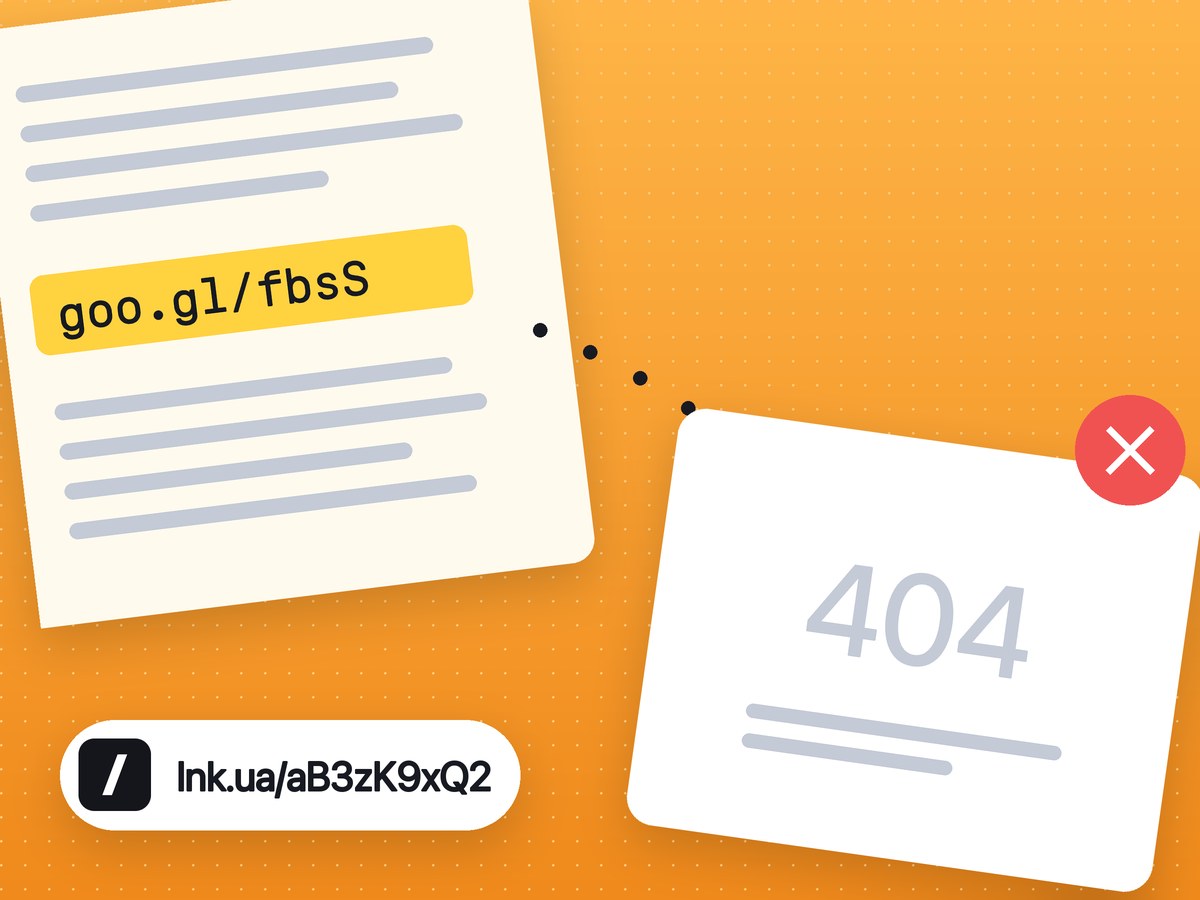
A short link does not contain the address of the page. It holds a code, and the pairing of code and address sits in the shortener's database. While the service runs and the record exists, your browser gets a redirect. Lose the record or the service, and the link goes nowhere, even if the page it pointed to is still online. This is link rot, and short links are more exposed to it than ordinary URLs because they add one more thing that can fail.
For lnk.ua specifically, the table of what happens to your links is on our safety page. The rest of this article covers the general causes and what to do about them.
What happened to goo.gl
The best-known case is Google's own shortener. goo.gl was wound down over several years, and Google announced every step on its developer blog:
| Date | What happened |
|---|---|
| March 30, 2018 | Google announced the end of goo.gl and pointed users to Bitly and Ow.ly. |
| April 13, 2018 | Anonymous users, and anyone who had never created a short link, could no longer create new ones. |
| March 30, 2019 | The console was switched off for everyone. Existing links kept redirecting. |
| July 18, 2024 | Google said all goo.gl links would return 404 after August 25, 2025. From August 23, 2024, some links showed a warning page. |
| August 1, 2025 | Google changed course: only links with no activity in late 2024 would be switched off. |
| August 25, 2025 | Inactive goo.gl links stopped working. Firebase Dynamic Links shut down the same day, taking *.page.link addresses with it. |
Sources: Google's posts on developers.googleblog.com (2018, and 2024 with its August 1, 2025 update) and the Firebase Dynamic Links FAQ. Checked in November 2026.
So some old goo.gl links still open, and the rest return 404 for good. Nobody can bring a disabled one back, not even the person who created it. Links generated inside Google apps, such as a place shared from Maps, are the exception: Google said those keep working.
The people hit hardest were those who had printed goo.gl links in books, manuals and packaging, or put them in papers meant to be read for years. If you need somewhere to shorten links now, see what to use instead of goo.gl.
Other reasons short links stop working
Big shorteners rarely close. Most dead links die of something far more ordinary.
The service shut down or changed its rules
The owner of a shortener can decide that old links are no longer worth keeping. They may give notice and a year to move, but that does nothing for an address that is already on paper.
The link or the account was deleted
Someone tidied up the dashboard and removed links that looked unused. Or the marketer who made them left the company and closed their account, links included. The shortener now answers 404, and the QR codes on flyers still sitting by the till lead to an error page.
The destination domain was blocked
Shorteners disable links to phishing and malware. Sometimes a perfectly normal site gets caught: it was hacked and started hosting a scam page. Every short link to that domain stops working, yours included.
Free-plan rules
Free plans come with limits, and links do not always survive going over them. Linkly's help page, for example, says (as of November 2026) that once a free account hits its click or link cap, all its links show an over-limit page instead of redirecting until the counter resets. For a QR code in a shop window, that can mean a few dead days every month. Before you print a short link, read the part of the service's terms that says when links stop redirecting.
The domain was not renewed
A link on your own domain also depends on that domain staying paid for. Miss a renewal and every address on it breaks, and someone else can buy the domain. The opposite happens too: the short link still redirects, but the site behind it was closed or rebuilt and now shows 404.
How to reduce the risk
You cannot remove the risk entirely. Any service can close, lnk.ua included. Most of the causes above, though, come down to habits you can change.
- Shorten links while signed in. Then they all sit in one list in your dashboard, and you can see where each one goes. A link made without signing in is hard to find later and cannot be deleted.
- Keep your own spreadsheet: the short link, where it points, where it is printed or published. If a link has to be replaced, you will know exactly what to reprint.
- For anything meant to last years, connect your own domain. go.yourbrand.com belongs to you, and if you ever need to, you can point the domain at another service without changing what is printed. See links on your own domain for how it works.
- Turn on auto-renewal at your domain registrar, so your links do not depend on a reminder email that ended up in spam.
- Print a typeable address next to every QR code. If the link ever stops working, people can still find the site.
- In contracts, academic papers, books and technical documentation, write the full URL. It is long, but it does not depend on any shortener.
In practice the difference looks like this: a document carrying only a third-party short link loses the address when the service goes. A document with a link on your own domain and the full address next to it survives both a shutdown and a switch to another shortener.
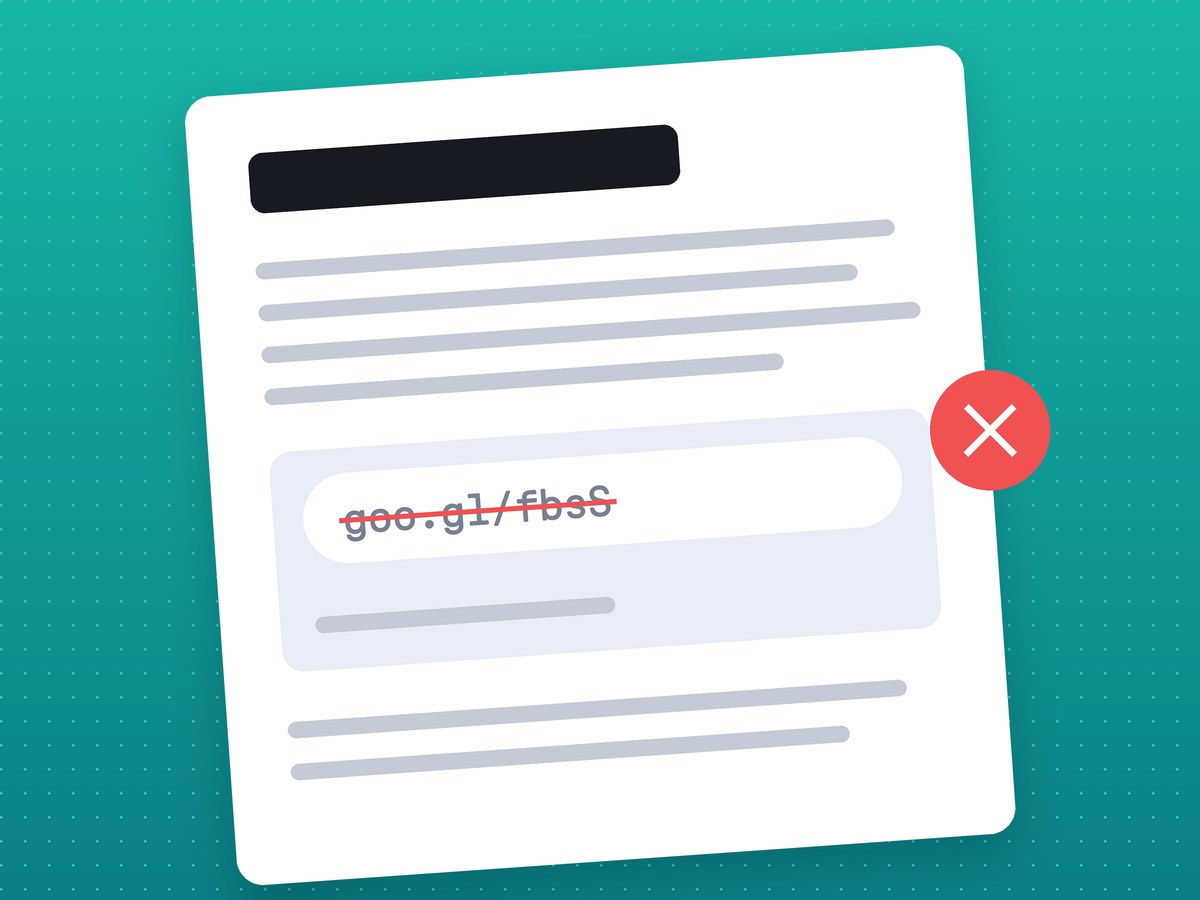
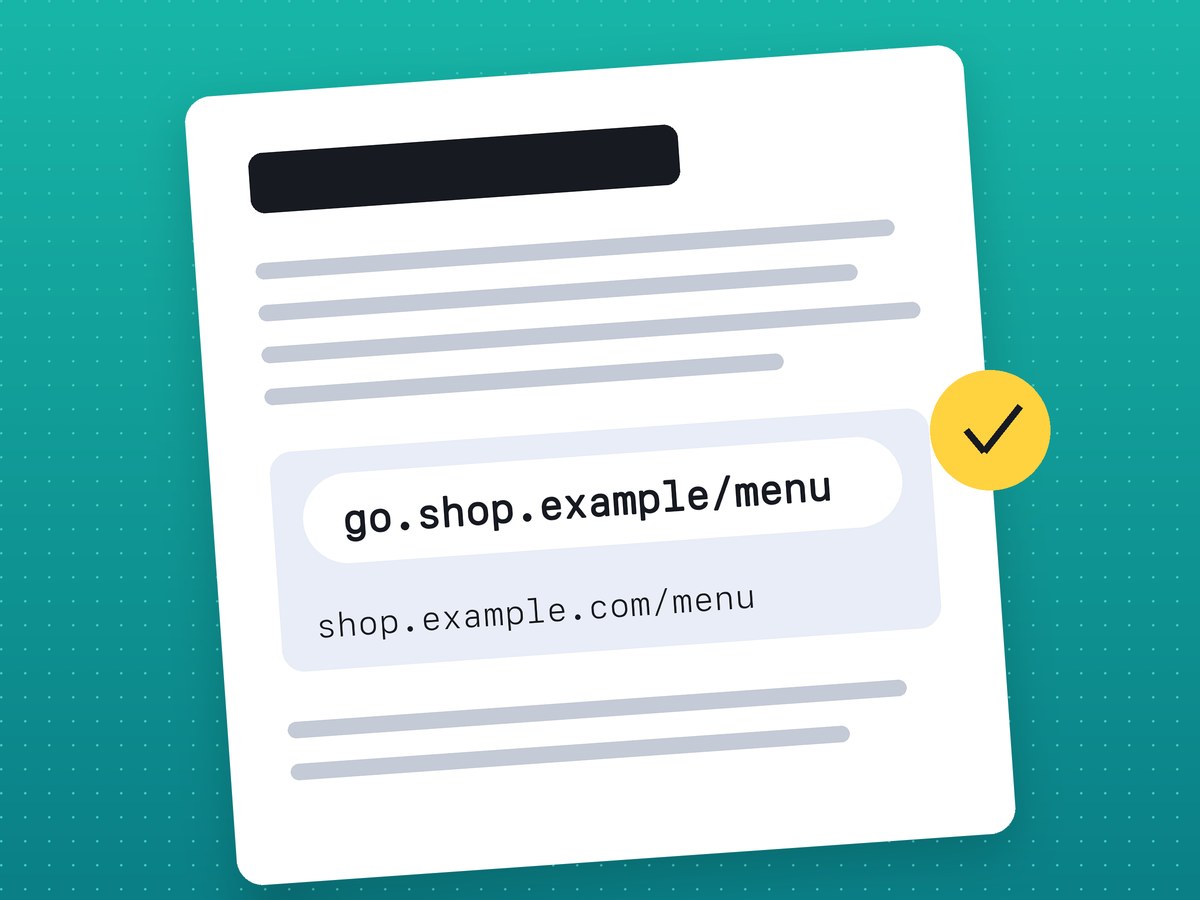
QR codes on packaging and signs raise one more question: static or dynamic. The difference is explained in our article on a QR code that won't stop working.
What happens to lnk.ua links
No service can honestly promise that its links will work forever, so here is our policy case by case, as of November 2026:
| Situation | What happens to the link |
|---|---|
| Time passes, nobody clicks | Nothing. There is no expiry date and no rule that disables links without clicks. |
| Your PRO plan ends | Links keep working, including those on your own domain. The account moves to Free. |
| You delete a link | It stops working at once; the server answers 404. |
| You delete your account | All of its links stop working, including in printed QR codes. |
| The link was made without signing in | It cannot be deleted, because it is not tied to any account. |
| Someone reports the destination domain | Visitors see a warning and can continue while a moderator decides. |
| The destination domain is blocked | Every link to it stops working; the server answers 410. |
Our pricing page says the same: links have no expiry date on Free or PRO. You will not find the word "forever" on our site. goo.gl showed what that kind of promise is worth, which is why for print and long-lived documents we recommend your own domain and a list of your links.
How to check your old links
- Collect the addresses: from printed materials, PDFs, your website, social media bios and email templates.
- Open each one. If the right page loads straight away, with no message in between, the link is alive. A 404 page or a notice from the shortener that the link was disabled means it needs replacing.
- If you do not remember where a dead link pointed, look its address up on web.archive.org. The archive did not save everything, but sometimes it is the only clue.
- Create a new link and replace the old one everywhere it appears. On printed material, when a reprint is too expensive, a sticker with a new QR code will do.
- Add the new link to your spreadsheet. The next check will take minutes.
Repeat the check every few months, and for printed links before every new print run.
Frequently asked questions
Do goo.gl links still work?
Some do. Google kept the ones that were used in late 2024 and switched the rest off on August 25, 2025.
Why does a short link open the shortener's page instead of the site?
Usually because of a warning or a limit: someone reported the domain, the address was blocked, or the owner ran out of their free quota. The page itself tends to say which.
Will an lnk.ua link be disabled if nobody clicks it?
No. lnk.ua has no rule that disables links without clicks, and no expiry date.
What happens to a QR code if I delete the short link?
It stops working. The QR code contains the short link, so after deletion a scan opens a 404 page.
Can I protect my links from a shortener shutting down?
Partly. Your own domain can be moved to another service, and a full address printed next to the QR code works without any shortener at all.