How to find UTM traffic in GA4
Open the Traffic acquisition report and switch the first column to Session campaign or Session source / medium: that is where your utm_campaign, utm_source and utm_medium values appear. utm_content and utm_term have built-in dimensions too, with nothing to set up.
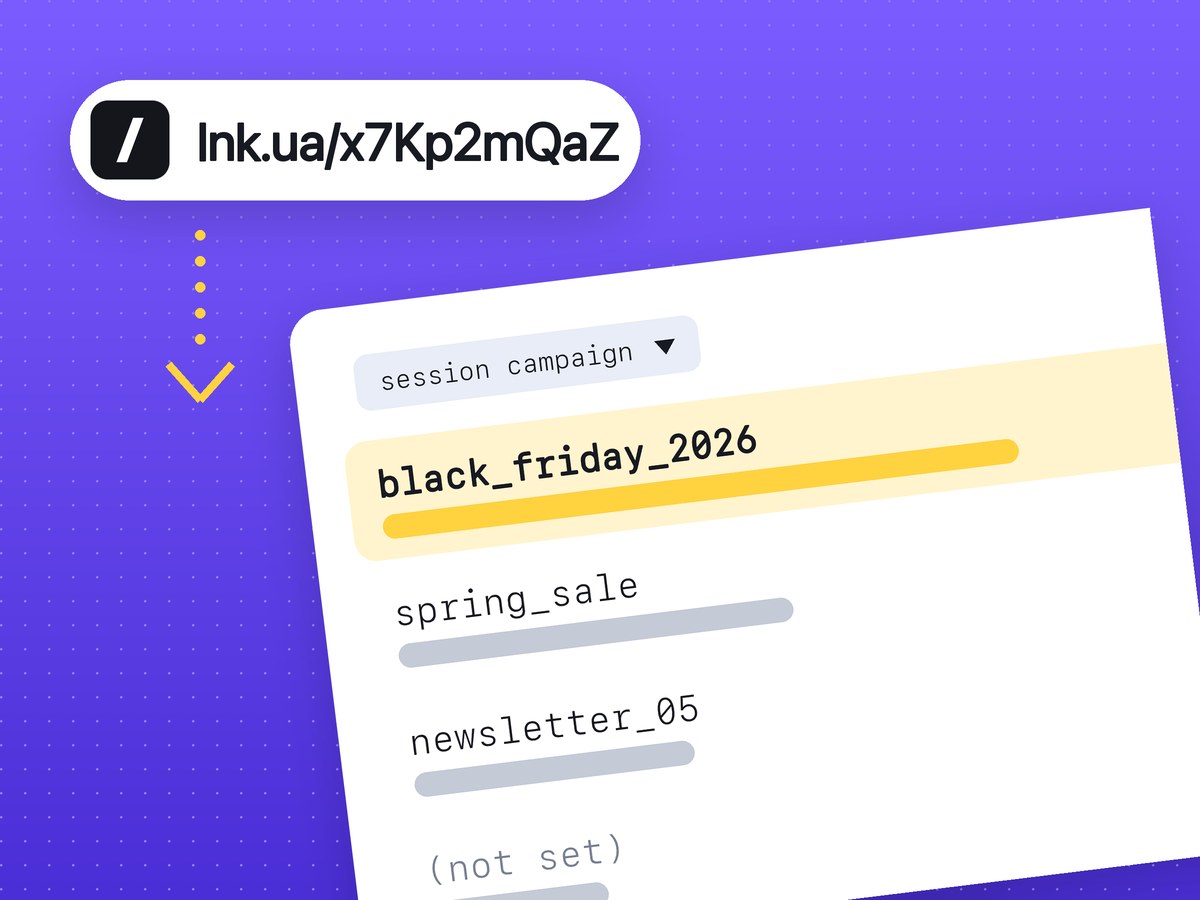
GA4 stores UTM parameters in session-scoped dimensions. Open the Traffic acquisition report and switch the first column of the table to Session campaign or Session source / medium: your utm_campaign, utm_source and utm_medium values are there. utm_content and utm_term need no setup either. GA4 has built-in dimensions for them, which you add as a secondary column or pull into an exploration.
If you don't have a tagged link yet, our UTM builder makes one, lowercases the values and shortens the result in the same step.
Which GA4 dimension holds each UTM parameter
Every parameter in the URL becomes its own dimension:
| Parameter | GA4 dimension | Example value |
|---|---|---|
| utm_source | Session source | newsletter |
| utm_medium | Session medium | |
| utm_campaign | Session campaign | spring_sale_2026 |
| utm_content | Session manual ad content | header_button |
| utm_term | Session manual term | running_shoes |
Session source / medium combines the first two in one row, for example newsletter / email. It is the one most people keep open day to day.
Each parameter also has a "First user" version, such as First user manual source. That one records where a person came from the very first time. To judge one email or one post, use the session dimensions, which describe where the visitor came from on this visit.
How to find a campaign in the Traffic acquisition report
- In the left menu, open Reports, then Acquisition > Traffic acquisition. If your property's menu is arranged differently, type the report name into the search bar at the top.
- Above the first column of the table, open the dimension drop-down. The report starts on the session default channel group. Pick Session campaign.
- Type the campaign name into the search box above the table to filter it to one row.
- Click the "+" next to the dimension name and add Session source / medium. Now you can see which sites sent traffic to that campaign.
- Check the date range in the top right corner. A new campaign does not show up at once: Google says data processing can take 24–48 hours.
The columns next to it show sessions, users, engaged sessions and events. Sessions are the simplest number for comparing one campaign with another.
Where to see utm_content and utm_term
Older guides tell you to create custom dimensions for these. GA4 doesn't need that any more: the dimensions in the table above already exist.
The quickest way is a secondary column in the same report. Keep Session campaign as the first column, click "+", and search for "manual ad content" or "manual term". One campaign then splits into its ads or links.
For more breakdowns at once, go to Explore and start a Free form exploration. Add the campaign, source and manual ad content dimensions, drop them into Rows and put Sessions into Values. You get a campaign → source → ad table you can save and reopen every week.
Say one newsletter has two links to the same page, one in the header and one at the bottom. With utm_content=header_button and utm_content=footer_link you see two rows and know which link people actually click. With identical links, GA4 has no way to tell them apart.
How to name utm_medium so traffic lands in the right channel
GA4 assigns the default channel group from source and medium using fixed rules that you can't edit, so the tags have to fit the rules. Channel definitions ignore letter case. Here is where common pairs end up:
| source / medium | Default channel group | Why |
|---|---|---|
| instagram / social | Organic Social | medium is social, social-media, social-network or sm |
| facebook / cpc | Paid Social | source is on Google's list of social sites and medium is paid |
| google / cpc | Paid Search | source is a search engine and medium is paid |
| newsletter / email | medium is email, e-mail or e_mail | |
| provider / sms | SMS | medium is exactly sms |
| partner_blog / referral | Referral | medium is referral, app or link |
| flyer / qr | Unassigned | no rule covers medium qr |
GA4 treats a medium as paid when it contains "cp" (cpc, cpm), is ppc or retargeting, or starts with "paid". Paid Social also needs the source to be on Google's list of social sites. Smaller platforms and messaging apps may not be on that list, and then a paid medium lands in Paid Other. It still won't go to Unassigned.
Unassigned only means no rule matched. Print materials with QR codes will end up there, and that's fine: the campaign still shows under Session campaign. If you want offline traffic in its own group, you can build a custom channel group in the property settings.
For text message campaigns, use sms as the medium and GA4 puts them in the SMS channel. If the link has to fit into one message, see the page on a short link for SMS.
Why a campaign shows up as (not set)
Usually the problem is in the link itself. The common cases:
- utm_campaign is missing. Google says so plainly: missing UTM parameters result in (not set) values in reports. Always set source, medium and campaign, even for a single post.
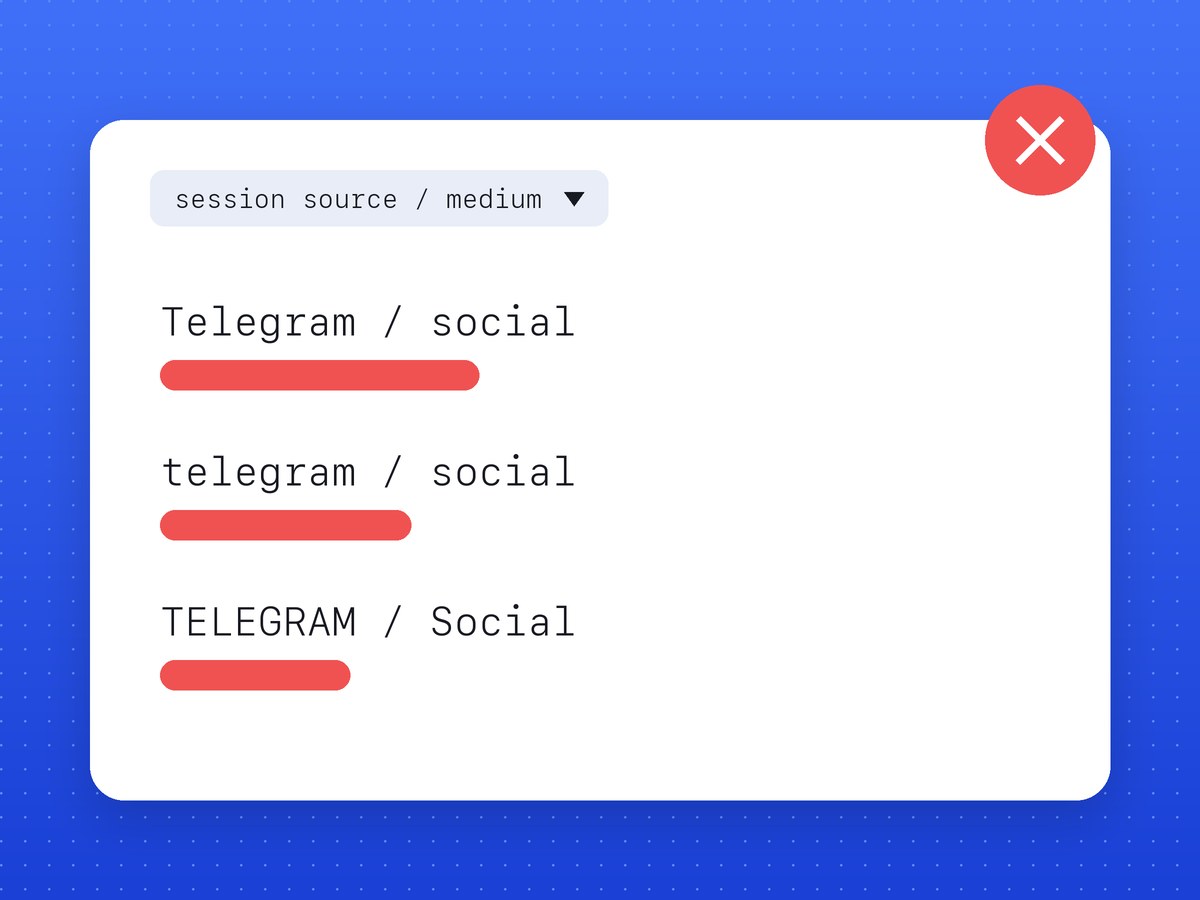
- Mixed case. GA4 treats
Facebookandfacebookas two different sources, so one campaign splits across several rows. The channel group stays the same, which is why the mistake only shows in Session source / medium. - Spaces and non-Latin characters. "spring sale" becomes
spring%20salein the URL, and a colleague types "spring-sale" next time. The report then has two campaigns instead of one. - The site drops the parameters. If the page redirects to another address without the query string, GA4 never sees the tags. Open the link and look at the address bar: the utm_* part should still be there.
- Tags added to the short link. Put them on the full URL first, then shorten it.
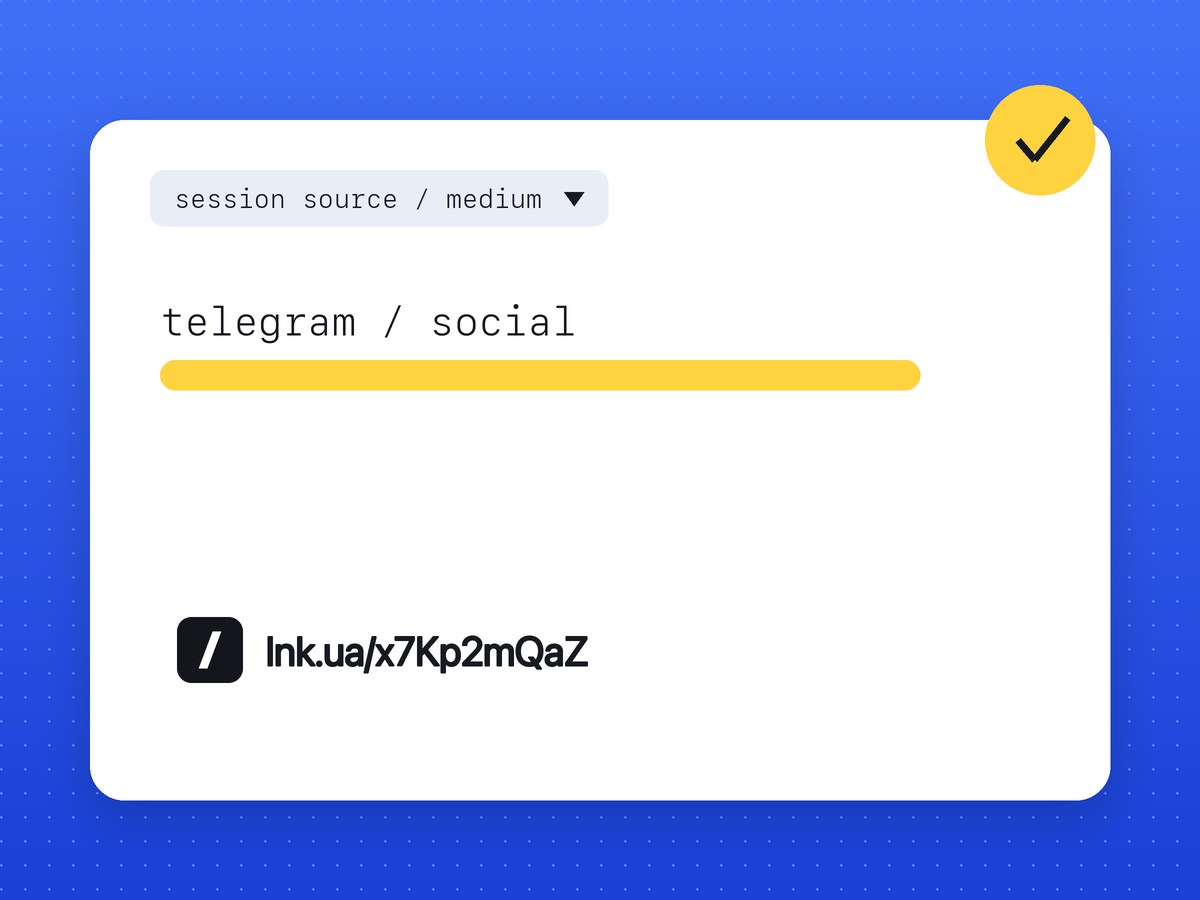
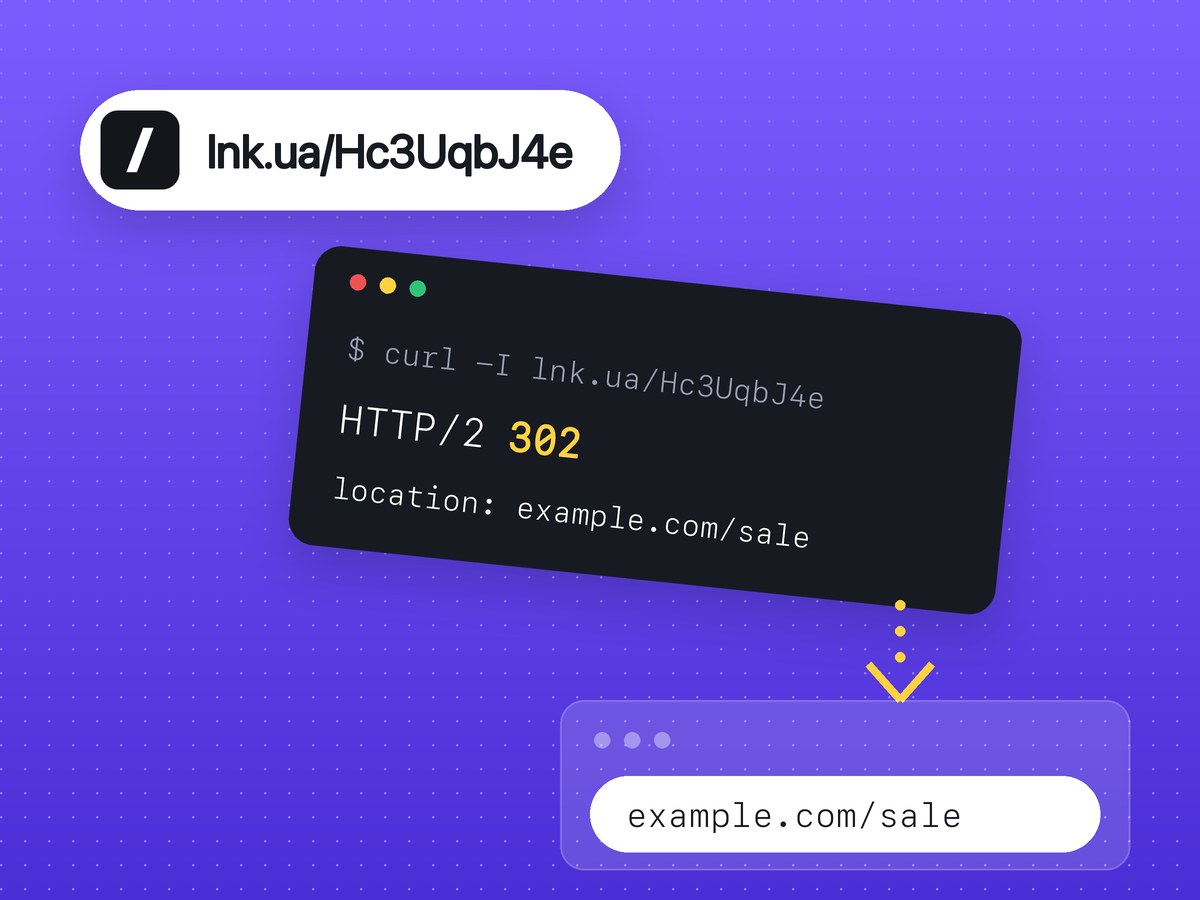
Shortening doesn't strip the tags: an lnk.ua short link redirects to the full address with every utm_* intact. The builder lowercases all values and replaces spaces with "_", so the first three mistakes on that list don't happen with it.
How to test your tags before launch
Before you send the link out, open it yourself and check what GA4 recorded.
The quick check is the Realtime report under Reports. It covers the last 30 minutes, and its traffic card reports the first user source. So open the link in a private window: GA4 sees a new visitor, and your source appears in that card within a few minutes.
For a closer look, use DebugView: Admin > Data display > DebugView. Turn on debug mode with Google Tag Assistant (tagassistant.google.com), and every event from your browser shows up there. Google notes that DebugView does only limited attribution, so use the Acquisition reports for the final numbers.
GA4 sessions rarely match the click count in a link shortener, because they count different things. You can see clicks on each short link separately in your account; see short link click stats for what's recorded.
Once the test passes, use the UTM builder to make a separate link for each placement and shorten it there.
FAQ
Do I need a custom dimension for utm_content in GA4?
No. GA4 has a built-in dimension, Session manual ad content, and Session manual term for utm_term.
How long until a campaign appears in GA4 reports?
A few minutes in Realtime. Standard reports can take 24–48 hours to process, according to Google.
Does GA4 treat "Google" and "google" as the same source?
No. UTM values are case sensitive, so they show as two rows. The channel group is not affected by case.
Do I need utm_id?
Not for these reports. Google recommends it if you import campaign data into GA4; source, medium and campaign are enough to find your traffic.
Why does GA4 show fewer sessions than my shortener shows clicks?
A shortener counts every request to the link, while GA4 counts only visits where its tag had time to load. Bots, link previews in messaging apps and ad blockers make up most of the gap.