Custom domain for short links: CNAME setup step by step
To get short links on go.yourbrand.com, add the domain in your lnk.ua dashboard and create one CNAME record at your DNS provider pointing to the address the dashboard shows. The SSL certificate is issued automatically, usually within minutes of the DNS update.
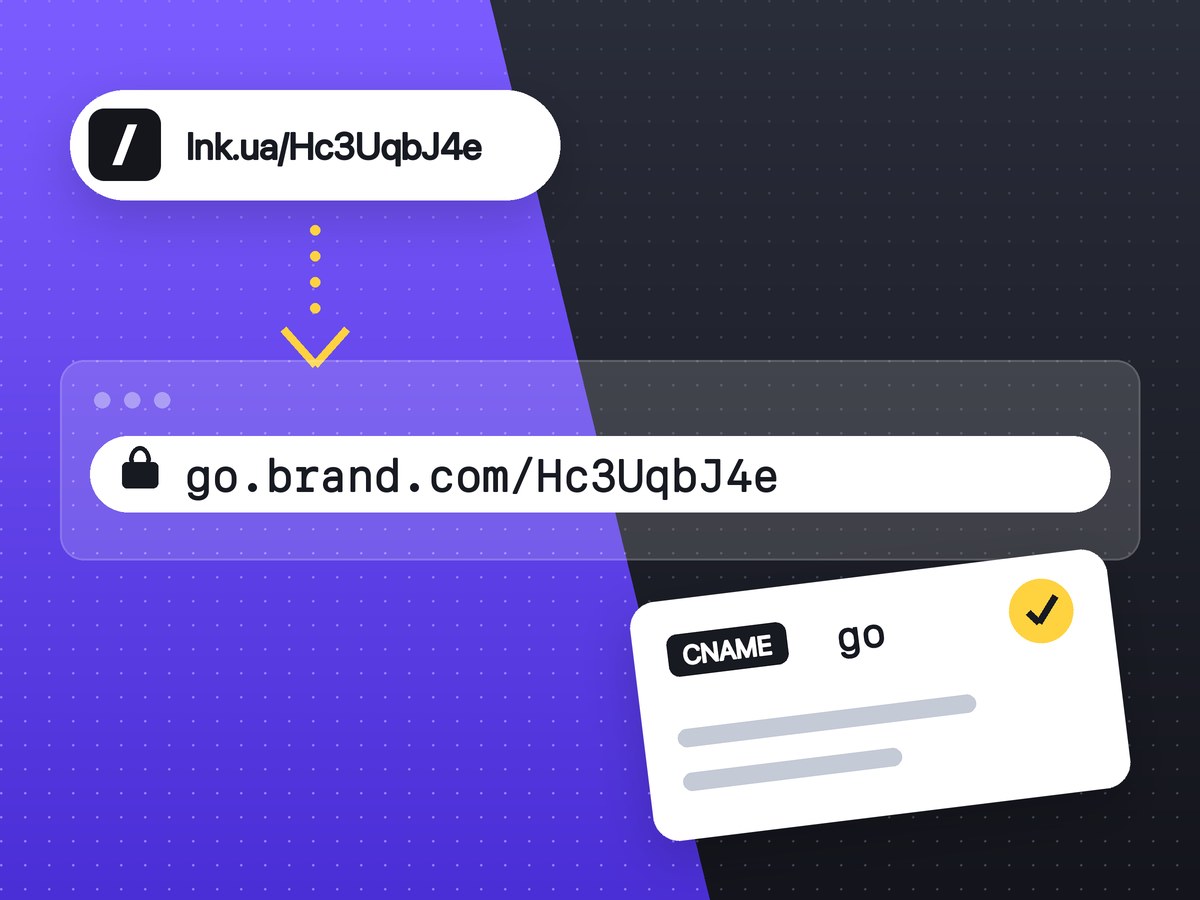
Connecting your own domain takes four steps: pick an address (usually a subdomain such as go.brand.com), enter it in your lnk.ua dashboard, add one CNAME record at your DNS provider, and wait until the status turns Active. The domain is part of the PRO plan; what it gives you and on what terms is on the custom domain for short links page. This guide covers the exact fields to fill in at Cloudflare, Hostinger and other registrars.
What you need before you start
- An lnk.ua account on PRO. The domain is added in the dashboard under Settings → Your domain.
- Access to the DNS records of your domain. Usually that is your registrar's panel. If the domain uses Cloudflare's or your web host's nameservers, the records are edited there instead.
- A subdomain name. Short ones work best:
go,link,l,qr.
One account connects one domain. Links you created earlier open on it with the same code, and lnk.ua/code keeps working too.
Subdomain or root domain?
Any domain works, a root domain without go. included. Most people should still use a subdomain, for two reasons.
A root domain moves to lnk.ua as a whole. If your website lives on brand.com today, after the switch that address opens lnk.ua instead of your site. A root domain makes sense for a separate short domain bought just for links, like brnd.co.
Also, the DNS standard does not allow a CNAME at the root. Providers work around it with ALIAS or ANAME records or with CNAME flattening. Hostinger and Namecheap offer ALIAS, and Cloudflare flattens a root CNAME on its own. If your provider has none of these, use a subdomain.
What goes into the CNAME record
After you add the domain, the dashboard shows three values: Type (CNAME), Name (your full domain, for example go.brand.com) and Value (the address the record must point to). Copy the value from your own dashboard, not from someone else's guide.
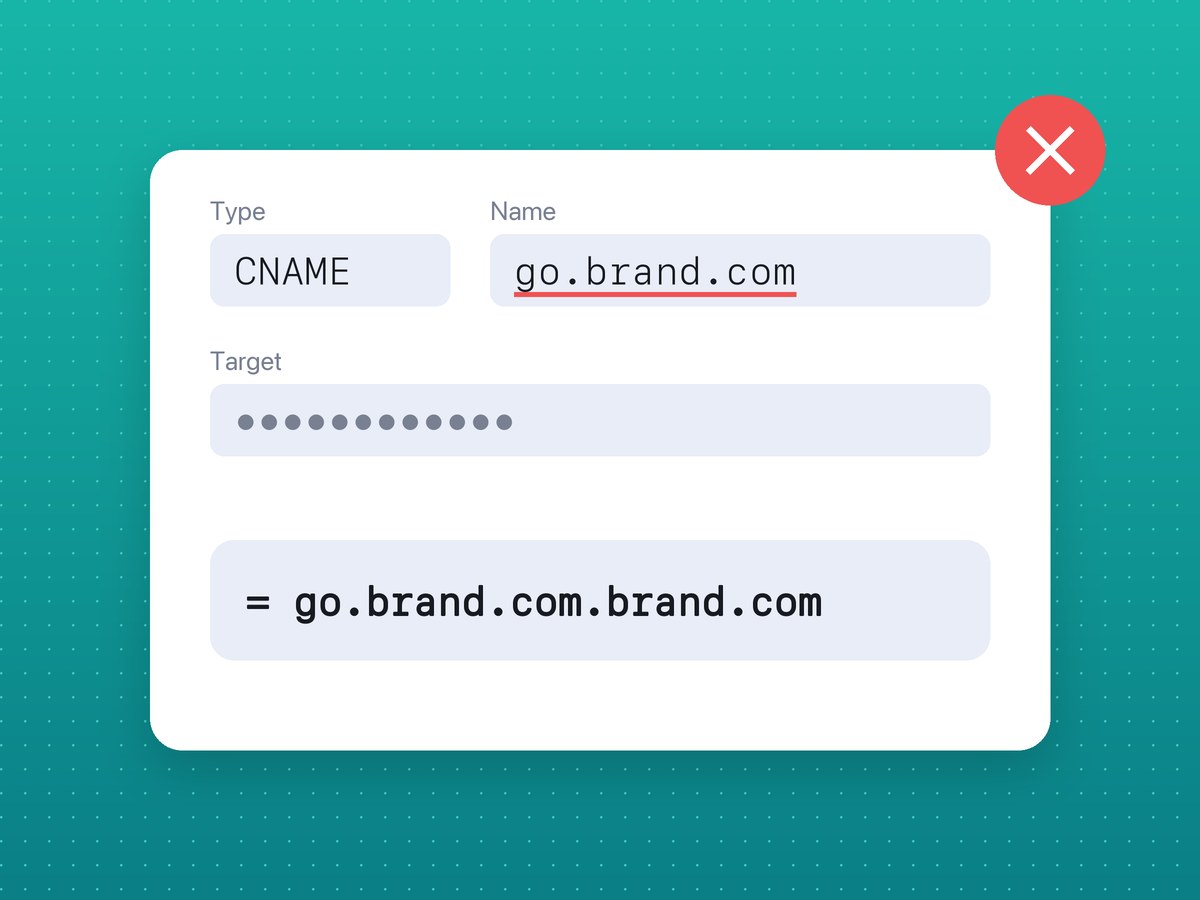
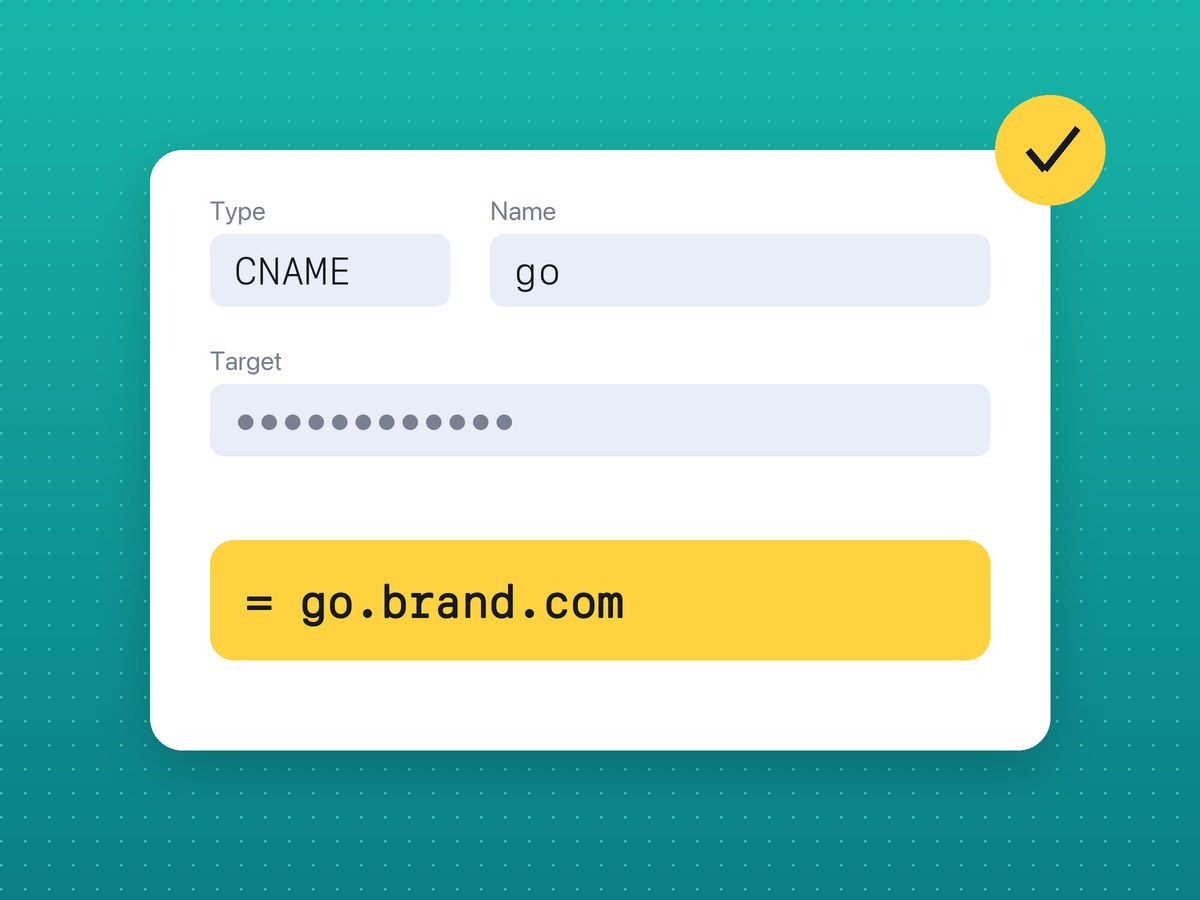
The Name field is where most setups go wrong. The dashboard shows the full address, but most providers expect only the subdomain, go, and append brand.com themselves. Type go.brand.com in full and you get a record for go.brand.com.brand.com, which will never verify.
One more rule: a CNAME cannot share a name with other records. If go already has an A or TXT record, delete it first, or the panel will refuse to save the CNAME.
How to add the CNAME in Cloudflare
- Select the domain in the Cloudflare dashboard and open DNS → Records.
- Click Add record.
- Type: CNAME. Name:
go. Target: the value from your lnk.ua dashboard. - Set Proxy status to DNS only (grey cloud).
- Click Save.
Keep the cloud grey. The certificate for your domain is issued by Cloudflare on lnk.ua's side, and an orange cloud (Proxied) sends the traffic through your own Cloudflare settings first, which can make the check fail. For a root domain, put @ in Name: Cloudflare accepts a CNAME at the root.
How to add the CNAME in Hostinger
- In hPanel, open the domain and go to its DNS Zone Editor.
- Choose CNAME as the record type.
- Name:
go. Target (Points to): the value from your lnk.ua dashboard. Leave TTL at the default. - Add the record.
Hostinger won't take a CNAME at the root; for @ it offers an ALIAS record. Hostinger itself says DNS changes can take up to 24 hours to spread.
Other registrars: Namecheap, GoDaddy, Porkbun and the rest
Every DNS panel asks for the same three things under slightly different labels:
| lnk.ua dashboard | What your provider may call it | What to enter |
|---|---|---|
| Type | Type, Record type | CNAME; for a root domain ALIAS or ANAME |
| Name | Name, Host, Hostname, Subdomain | go without the main domain; for a root domain @ or empty |
| Value | Target, Value, Points to, Data | the address from your lnk.ua dashboard |
If the panel adds a trailing dot to the target, leave it there: DNS writes full names that way.
How to check the domain is connected
Go back to the lnk.ua dashboard. While the domain is pending, it shows two lines: Domain connection and SSL certificate. The status is checked automatically, and the Check now button runs the check at once and shows the error if there is one. When both lines say done, the status changes to Active.
That usually takes minutes, sometimes up to a day, while DNS servers on different networks refresh their caches. You can check the record itself from a terminal:
nslookup -type=CNAME go.brand.com
The answer should contain the address from your dashboard. An hour later and still nothing? Check the Name field and look for an old A record on the same name. To see who actually serves your DNS, run nslookup -type=NS brand.com: if it lists Cloudflare or your host, the record belongs there. A domain that stays unverified for too long is removed from the dashboard automatically; fix the record and add it again.
What changes once the domain is active
- New links in the dashboard are created on your domain straight away.
- A link's QR code points to your domain as well, so people see your address under the code. What else to check before printing is in static vs dynamic QR codes and in the QR code for print checklist.
- Older links open on both addresses with the same code; nothing has to be recreated.
- Clicks are counted the same way as on lnk.ua (click statistics).
- The bare domain without a code, such as
go.brand.com, shows a simple page with the domain name.
FAQ
Can I connect a custom domain on Free?
No, a custom domain is a PRO feature. What each plan includes is on the Free and PRO plans page.
How many domains can I connect?
One per account. To switch, remove the current one in Settings and add the new one.
Do I need to buy an SSL certificate?
No. Cloudflare issues and renews the certificate; all you add is the CNAME record.
What happens to my links if I remove the domain?
They stop opening on that domain, but the same codes keep working on lnk.ua.
Will links on my domain keep working if PRO ends?
Yes, links on the domain keep working. The terms after a plan ends are on the pricing page.
Can I choose the path after the domain, like go.brand.com/sale?
Not yet. The link code is generated automatically and is the same on your domain as on lnk.ua.