Why short link clicks don't match GA4
A URL shortener counts every request to the link, including bots and chat app previews, while GA4 only sees visitors whose page loaded and whose tag fired. So you will almost always have more clicks than sessions, and that is fine as long as the ratio stays steady.
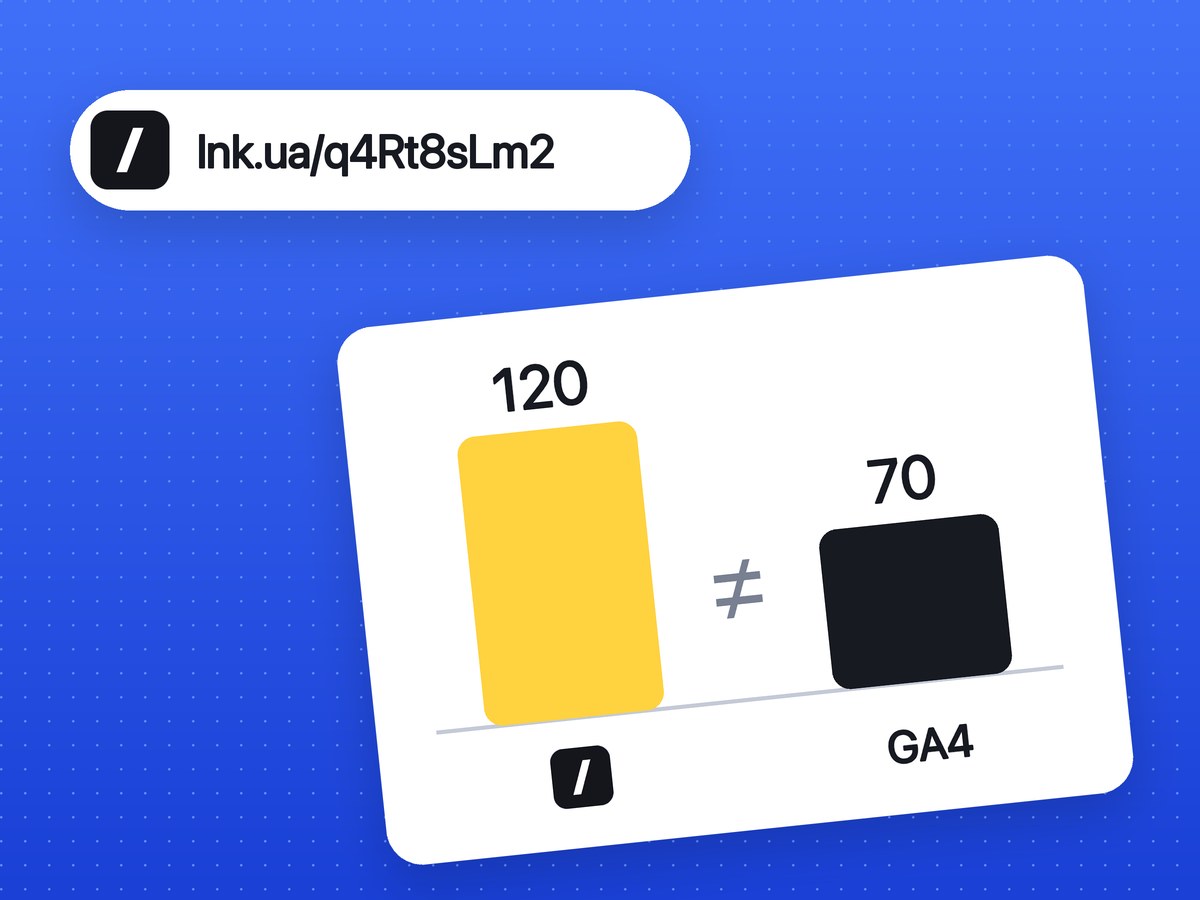
A URL shortener and Google Analytics 4 count different events. The shortener records a click the moment someone opens the short link: the server receives the request and sends the visitor on. GA4 only learns about a visitor once the page has loaded in a browser and the analytics tag has fired. Between those two moments a person can leave, and the request may not have come from a person at all. So 120 clicks in your shortener and 70 sessions in GA4 do not, on their own, mean anything is broken.
What lnk.ua's short link click stats show is described on that page. This article covers where the gap comes from, how to line the numbers up, and which one to trust for what.
What a shortener counts and what GA4 counts
| Shortener | GA4 | |
|---|---|---|
| When it counts | When a request hits the short link, on the server | When the tag fires on the page, in the browser |
| Who it sees | Anything that opens the link: people, bots, chat app previews, email scanners | Browsers where the tag loaded; GA4 drops known bots itself |
| Unit | A click: one person opening the link three times is three clicks | A session: repeat opens within one session are one session |
| Channel | A separate link per channel | UTM parameters or the referring site |
Compare clicks with sessions, not with users or page views. By default a GA4 session ends after 30 minutes of inactivity (Google's help page). Someone who opens the link twice in ten minutes gives the shortener two clicks and GA4 one session.
Why you see more clicks than sessions
Bots, scanners and link previews
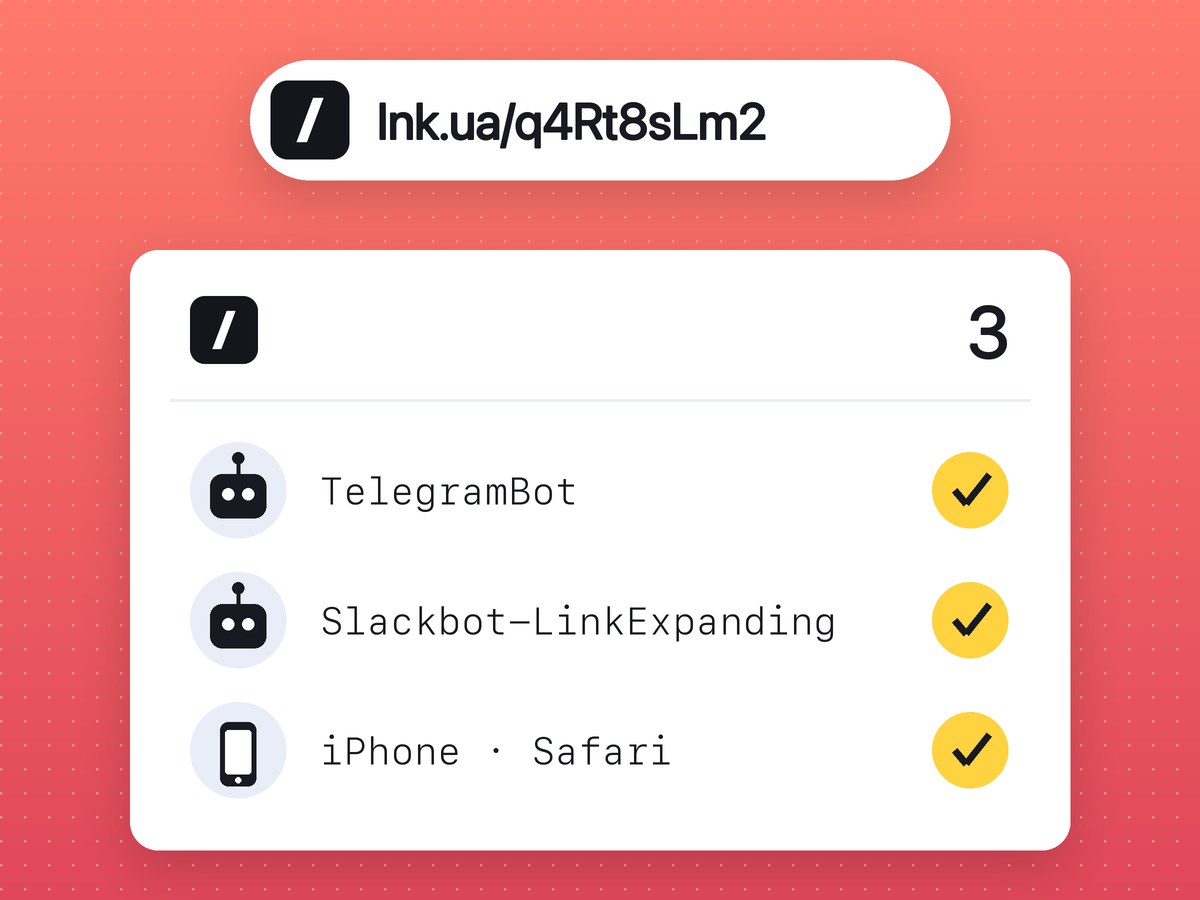
Paste a link into Slack, Telegram or Facebook and the service opens it to fetch a title and an image for the preview. WhatsApp does the same from the sender's phone. To the shortener that is an ordinary request, and it is logged as a click before anyone has tapped anything. Email providers and corporate security filters check links in messages the same way. Then there are search and SEO crawlers that visit every address they find.
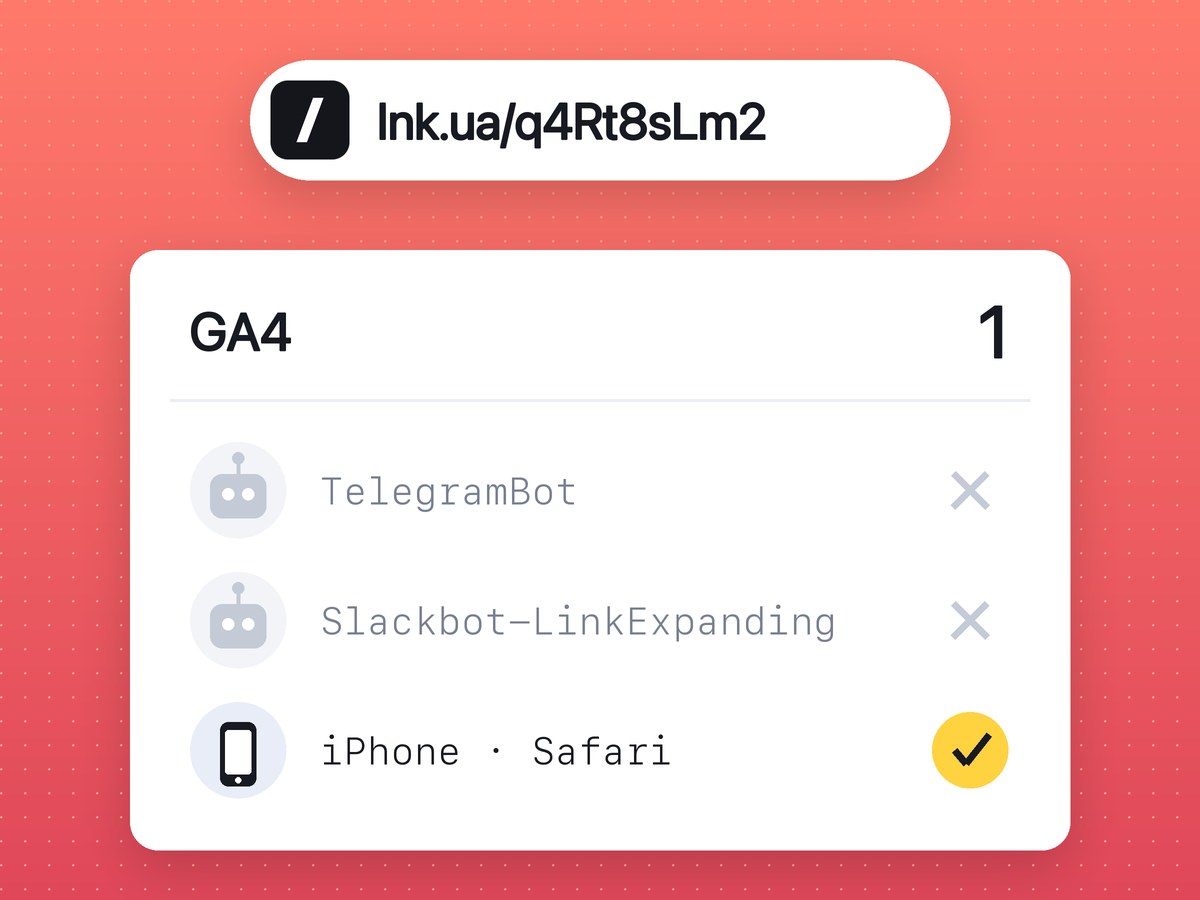
GA4 barely sees any of this. A preview bot does not run JavaScript, so the tag never fires. Traffic from known bots is excluded automatically, using Google's own research and the IAB International Spiders and Bots List. You cannot switch that exclusion off, and GA4 does not tell you how much it removed (Google's help page).
lnk.ua does not filter bots out of its stats, and chat app previews count as clicks too. We don't claim to be more accurate than GA4. What you do get is a feed with every request on its own line, and a blank browser field or an odd OS sometimes gives away that the visitor was not a person.
How to spot bots in the feed: a few clicks right after you publish a post, before anyone could have read it; entries with no browser or device; identical clicks from one IP a few seconds apart. Don't quietly delete them from your report. Just know that part of the counter is theirs.
Blockers and declined cookies
The GA4 tag is a script served by Google. Ad and tracker blockers, and browsers with built-in tracking protection such as Brave, often stop it from loading. The person sees the page and GA4 never hears about them. The shortener has already logged the visit, because the request to the short link went through first, with no scripts involved.
A cookie banner cuts the numbers too. With basic consent mode, Google tags don't load until the visitor answers the banner, and send nothing if they decline. With advanced consent mode, the tag sends cookieless pings on a decline, and GA4 can partly model those visitors if the property has enough traffic (Google's documentation). Under basic mode, someone who simply closes the banner does not exist for GA4.
The visitor left before the page loaded
The click is recorded as soon as the link is tapped. The page still has to load after that, which on mobile data can take a few seconds. If the visitor changes their mind, hits Back or closes the tab while the spinner is still going, the GA4 tag never fires. The slower the site, and the more scripts load before the analytics tag, the bigger this loss.
Different time zones and date ranges
GA4 splits data into days by the time zone set on the property. If the property is on Pacific Time and you work in Central European Time, "yesterday" in GA4 and "yesterday" in your spreadsheet cover different 24 hours. Standard GA4 reports also fill in with a delay, so today is still incomplete there; the Realtime report shows the latest activity.
A shortener keeps clicks for a limited time; how long lnk.ua keeps them is on the stats page. For an older period the shortener has nothing left, while GA4's standard reports still do.
When GA4 shows more
If you have more sessions than clicks, you are most likely looking at the whole page in GA4 rather than at the traffic from the link. People reach the same page from search, bookmarks and other posts. A visitor can also open the page, step away for more than half an hour and come back, which starts a new session with no new click. And if someone copies the long URL with UTM parameters from the address bar and shares it, the campaign in GA4 gets sessions the shortener never saw.
How to reconcile shortener clicks with GA4
- Add UTM parameters to the destination before you shorten it:
utm_source,utm_mediumandutm_campaign. On lnk.ua you can tag the link with UTM parameters and get the short link in the same step. The parameters stay in the destination URL, so the redirect does not drop them. - Use one short link per channel: one for the newsletter, one for the Slack community, one for the Instagram story. Then the click counter and the GA4 campaign describe the same group of people.
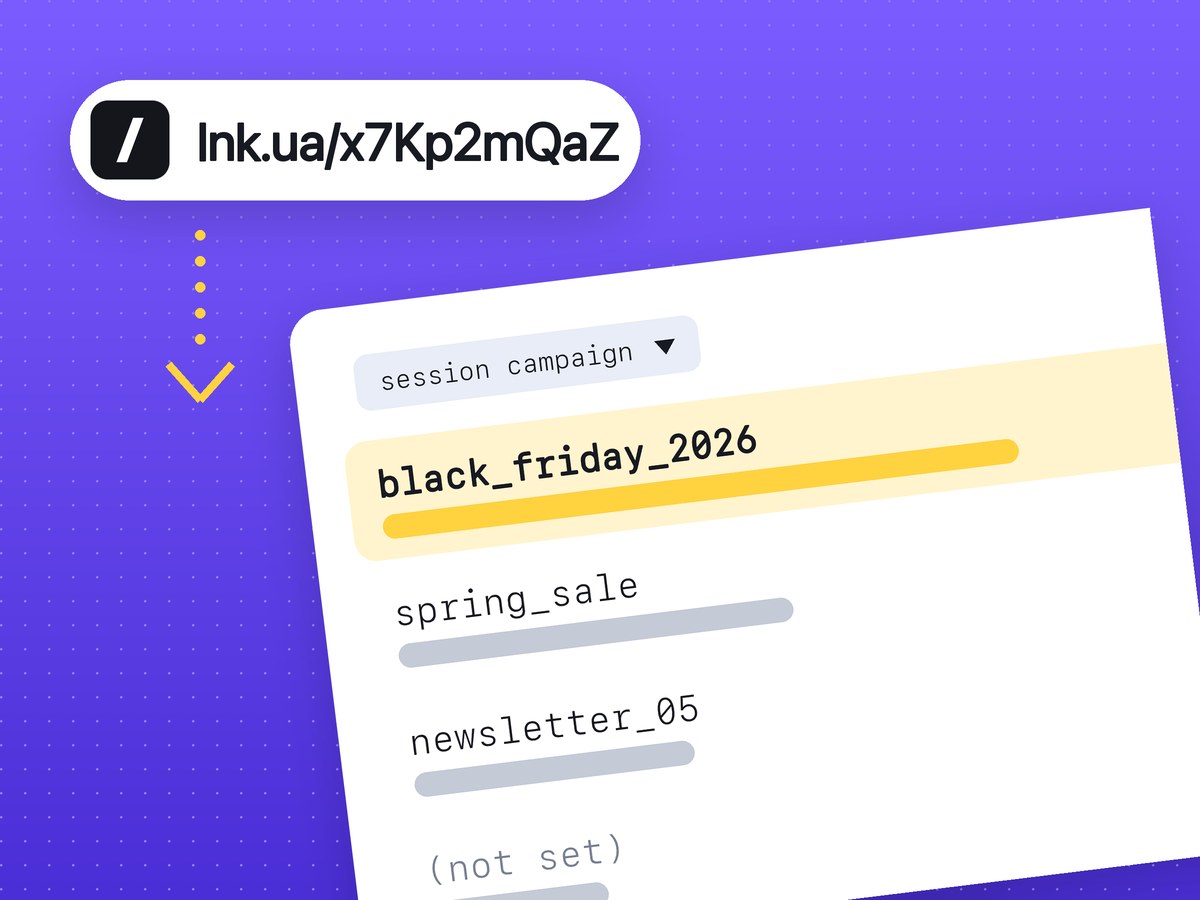
- In GA4, open the Traffic acquisition report and pick the Session campaign or Session source / medium dimension. Compare clicks with the Sessions metric.
- Set the same date range and check the property's time zone under Admin → Property details.
- Watch the ratio, not an exact match. If week after week 100 clicks turn into roughly the same number of sessions, the channel is behaving normally.
Which number to trust
Both, for different questions.
- How many times the link was opened, and when. That is the shortener's job: it sees the click even when the visitor never reached GA4.
- How many people saw the page and what they did next. That is GA4: for a campaign report, use sessions and key events (GA4's current name for conversions).
- Whether something is broken. You need both here. A sharp jump in clicks with no change in GA4 usually means bots or a scanner. Clicks but suddenly zero sessions: check that the page opens and the tag is still on it.
If you need a counter for every link on its own, lnk.ua has click stats for links created from an account.
Frequently asked questions
Is it normal to have several times more shortener clicks than GA4 sessions?
Yes, a gap that size happens, especially with links shared in chat apps and emails. The warning sign is a sudden change in the ratio while nothing changed in the campaign.
Does lnk.ua filter bots out of its stats?
No. Bots and chat app previews count as clicks, as the stats page says.
Do UTM parameters reach GA4 through a short link?
Yes, as long as they are in the destination URL before you shorten it. The short link redirects to the full address with all its parameters.
Why does traffic from a chat app show up as Direct in GA4?
Apps often don't pass a referrer, and without UTM parameters GA4 records the session as (direct) / (none). Add at least utm_source to the URL.
Can I see unique visitors in lnk.ua stats?
No, it counts clicks: one person opening the link three times is three clicks. Look at GA4 for unique users.